Hospitality & travel / POPRICA
Create an attraction admission notice
Distinguish opening hours, last admission and visitor price categories. Adapt a photo-and-price layout in Poprica using the attraction’s verified entry conditions.
After sign-in, your selected template continues to the creation screen. Review the coin requirement and conditions before generating.
The template guides the visual direction. Poprica generates a new image from your photo and information; it does not simply replace text in the sample image. The result may differ from the reference.
Prepare the source information
- 01A real exterior photograph of the attraction.
- 02Opening, last-entry and closing times plus closure days.
- 03Approved visitor price categories and admission conditions.
From brief to reviewed output
- 1
Match each ticket price to its eligible visitor group.
- 2
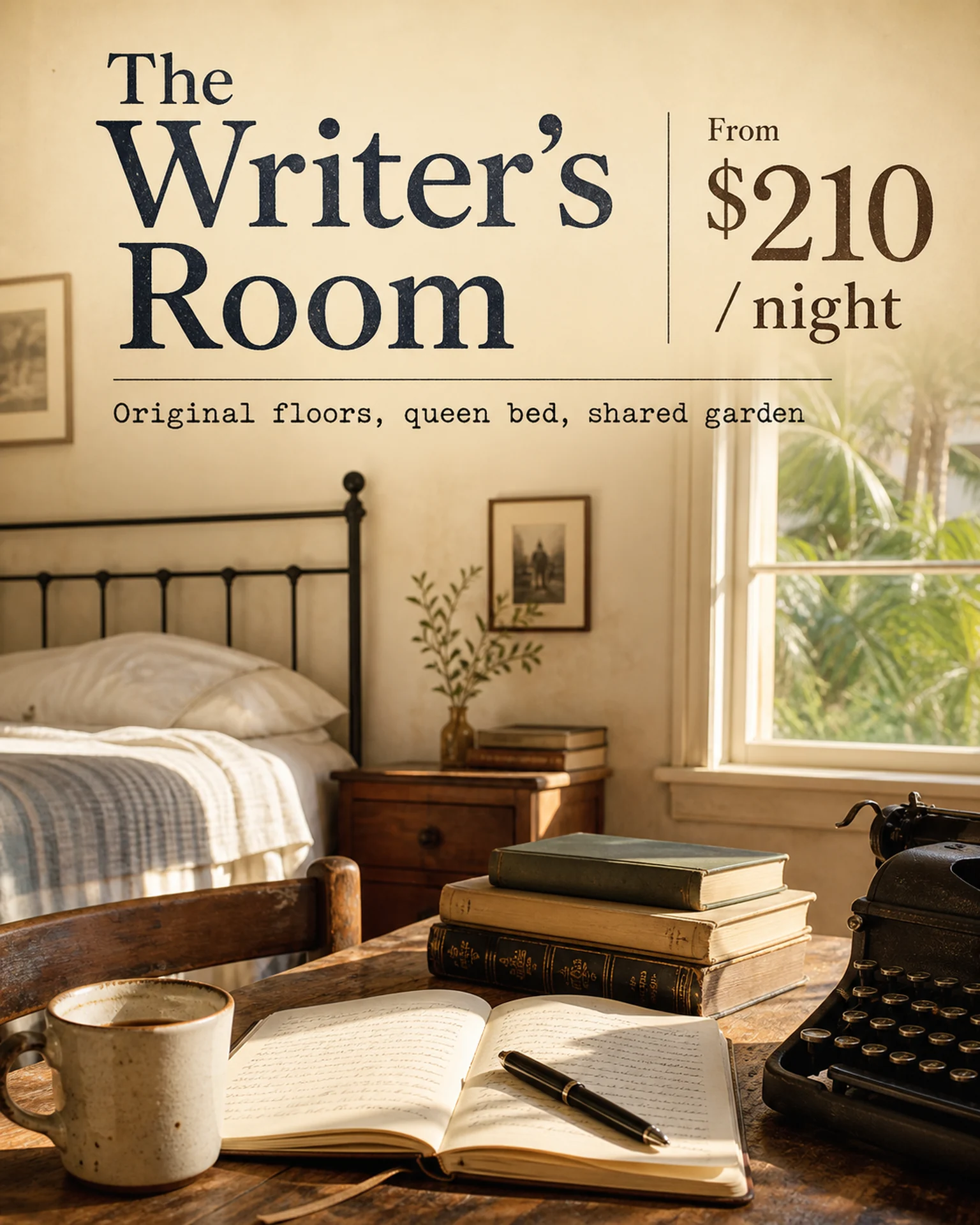
Remove all lodging details from the room-price reference and substitute admission information.
- 3
Compare the result with ticket-office rules, checking age boundaries and last admission.
What to learn from this reference
The source is a guestroom price card, not an attraction example. Reuse only its visual connection between a photograph and pricing conditions.
Browse templates for this use caseCheck before you publish
- Remove per-night and per-room units from the source layout.
- Do not imply that entry remains open until closing time.
Questions before you start
Can it infer child ticket ages?
No. Supply the venue’s exact age or school-year categories and check them against the ticket-office information.
Related creation guides
Start with your own photo and approved facts.
Choose the reference, supply your photo and copy, and generate a new design for your specific task.
Poprica editorial team / Reviewed:
このガイドを日本語で読む