Hospitality & travel / POPRICA
Create a hotel shuttle notice
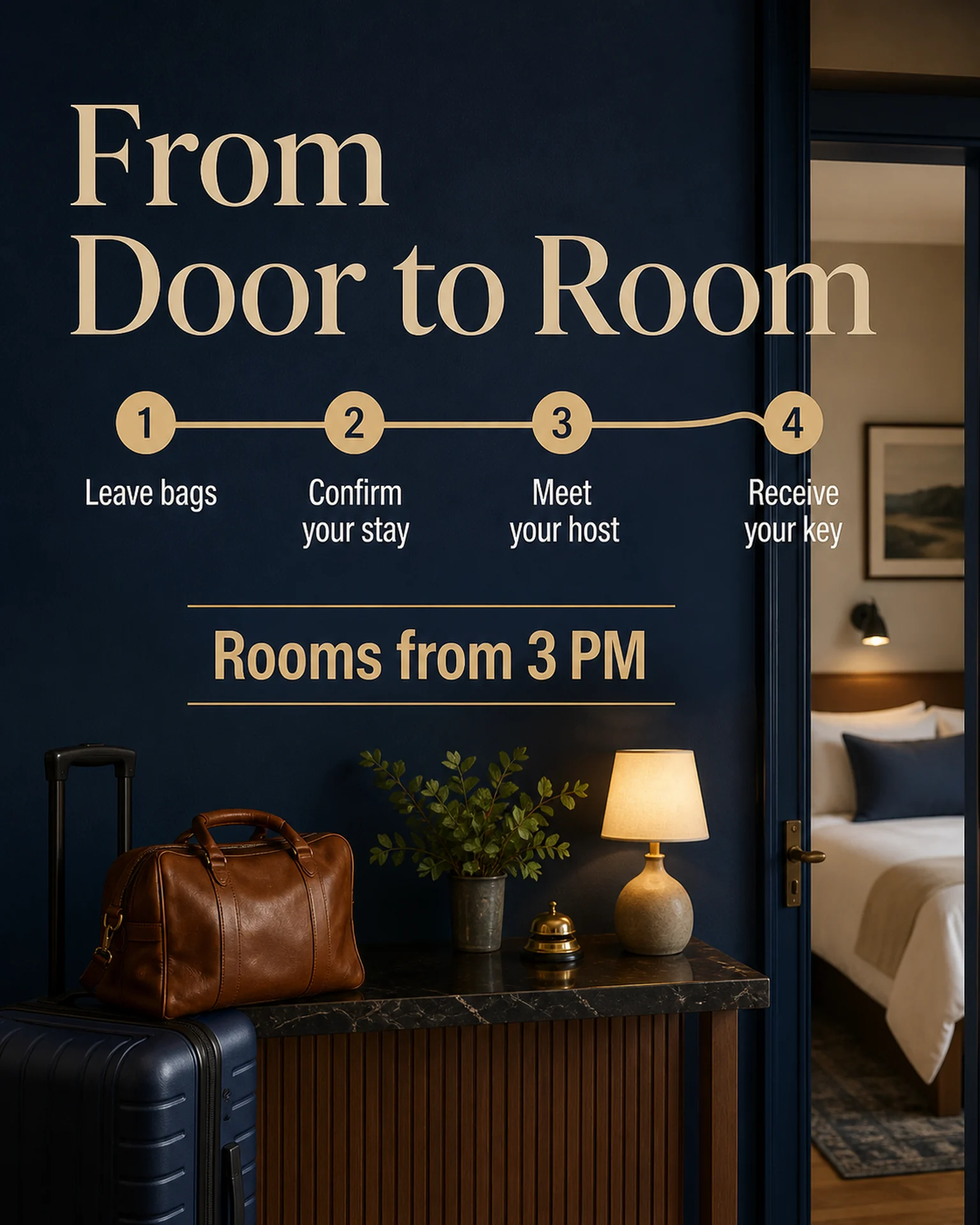
Bring pickup location, departure time and reservation conditions together. Adapt the sequence in a Poprica arrival-guide reference into the actual booking, meeting and boarding process.
After sign-in, your selected template continues to the creation screen. Review the coin requirement and conditions before generating.
The template guides the visual direction. Poprica generates a new image from your photo and information; it does not simply replace text in the sample image. The result may differ from the reference.
Prepare the source information
- 01Photos of the real vehicle or pickup point.
- 02Outbound and return times, operating days and capacity.
- 03Reservation channel, booking cutoff and a contact for delays.
From brief to reviewed output
- 1
Separate outward and return services and match each location to its departure time.
- 2
Replace the check-in reference with shuttle photos and booking-to-boarding steps.
- 3
Review at the pickup point to check that it cannot direct guests to the wrong service.
What to learn from this reference
The source reference explains check-in, not shuttle operations. Its stepwise layout is the reusable element.
Browse templates for this use caseCheck before you publish
- Do not treat generated imagery as an accurate route map.
- Include only confirmed cancellation and capacity policies.
Questions before you start
Will changed departure times update automatically?
No. Replace the static notice and any previously distributed images when the timetable changes.
Related creation guides
Start with your own photo and approved facts.
Choose the reference, supply your photo and copy, and generate a new design for your specific task.
Poprica editorial team / Reviewed:
このガイドを日本語で読む