Hospitality & travel / POPRICA
Create a hotel guest-event notice
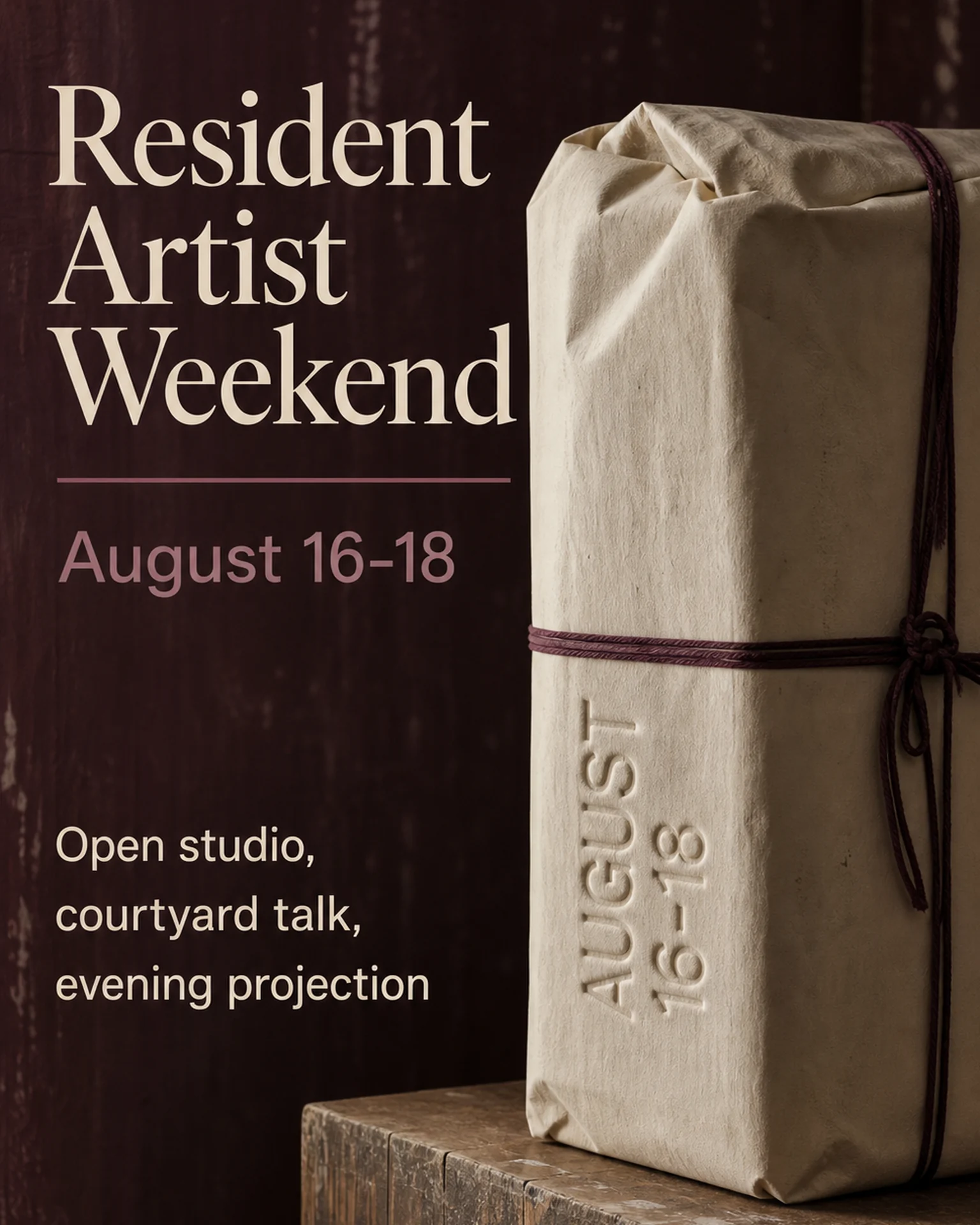
State the event time, location and who may attend. Adapt Poprica’s residency-event reference with your property’s program, admission conditions and reservation method.
After sign-in, your selected template continues to the creation screen. Review the coin requirement and conditions before generating.
The template guides the visual direction. Poprica generates a new image from your photo and information; it does not simply replace text in the sample image. The result may differ from the reference.
Prepare the source information
- 01Real venue or event photographs.
- 02Event name, date, start and end times and on-site location.
- 03Eligible guests, charges, capacity and booking method.
From brief to reviewed output
- 1
Confirm whether attendance is public or limited to staying guests.
- 2
Replace the residency reference with your event imagery and program.
- 3
Check that front-desk instructions and the notice agree.
What to learn from this reference
The residency reference announces an artist event and dates. Your venue and eligibility need to be added.
Browse templates for this use caseCheck before you publish
- Clarify whether attendance is included in the room rate.
- Confirm permission for artist and artwork imagery.
Questions before you start
Can some activities require reservations while others do not?
Yes, but state the condition for each activity rather than applying one ambiguous rule to the whole event.
Related creation guides
Start with your own photo and approved facts.
Choose the reference, supply your photo and copy, and generate a new design for your specific task.
Poprica editorial team / Reviewed:
このガイドを日本語で読む