Hospitality & travel / POPRICA
Create a seasonal hotel package poster
Introduce a seasonal stay through its dates, number of nights and included experiences. Use Poprica’s package reference and add the actual rate basis and booking conditions.
After sign-in, your selected template continues to the creation screen. Review the coin requirement and conditions before generating.
The template guides the visual direction. Poprica generates a new image from your photo and information; it does not simply replace text in the sample image. The result may differ from the reference.
Prepare the source information
- 01Real property or dining photographs.
- 02Eligible stay dates, number of nights and included meals or activities.
- 03Confirmed rates, excluded dates and booking channel.
From brief to reviewed output
- 1
Separate included experiences from paid extras.
- 2
Replace the seasonal template with your property imagery and package dates.
- 3
Compare the design with booking terms, especially nightly versus multi-night and room versus guest pricing.
What to learn from this reference
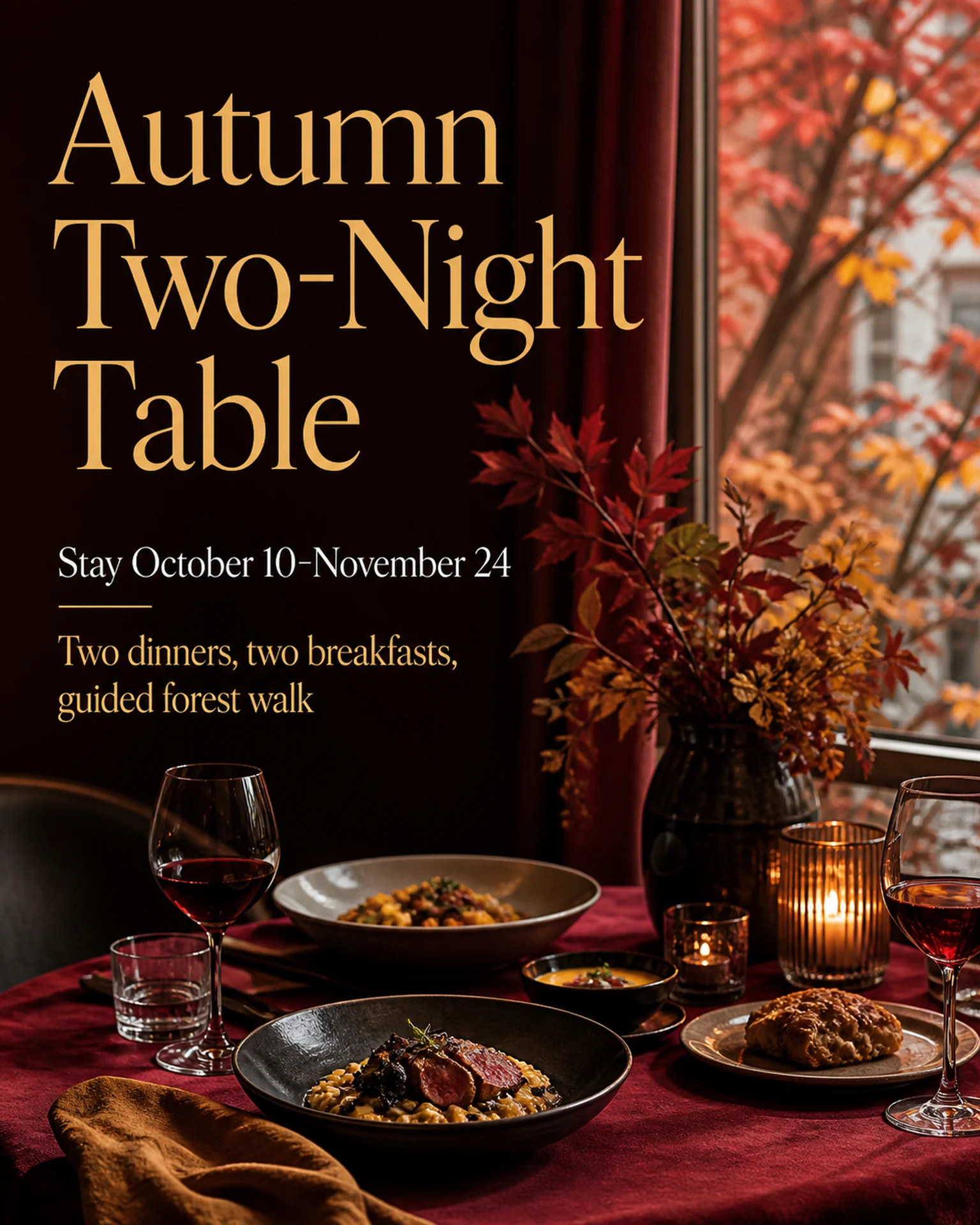
The autumn reference shows a date range and meal inclusions. Replace its setting and stay conditions rather than presenting them as your own package.
Browse templates for this use caseCheck before you publish
- Do not guarantee seasonal foliage or weather.
- Distinguish booking dates from eligible stay dates.
Questions before you start
What if an activity depends on weather?
Use only the property’s approved contingency wording. Do not invent an alternative experience.
Related creation guides
Start with your own photo and approved facts.
Choose the reference, supply your photo and copy, and generate a new design for your specific task.
Poprica editorial team / Reviewed:
このガイドを日本語で読む