Classes & schools / POPRICA
Create a lesson social post
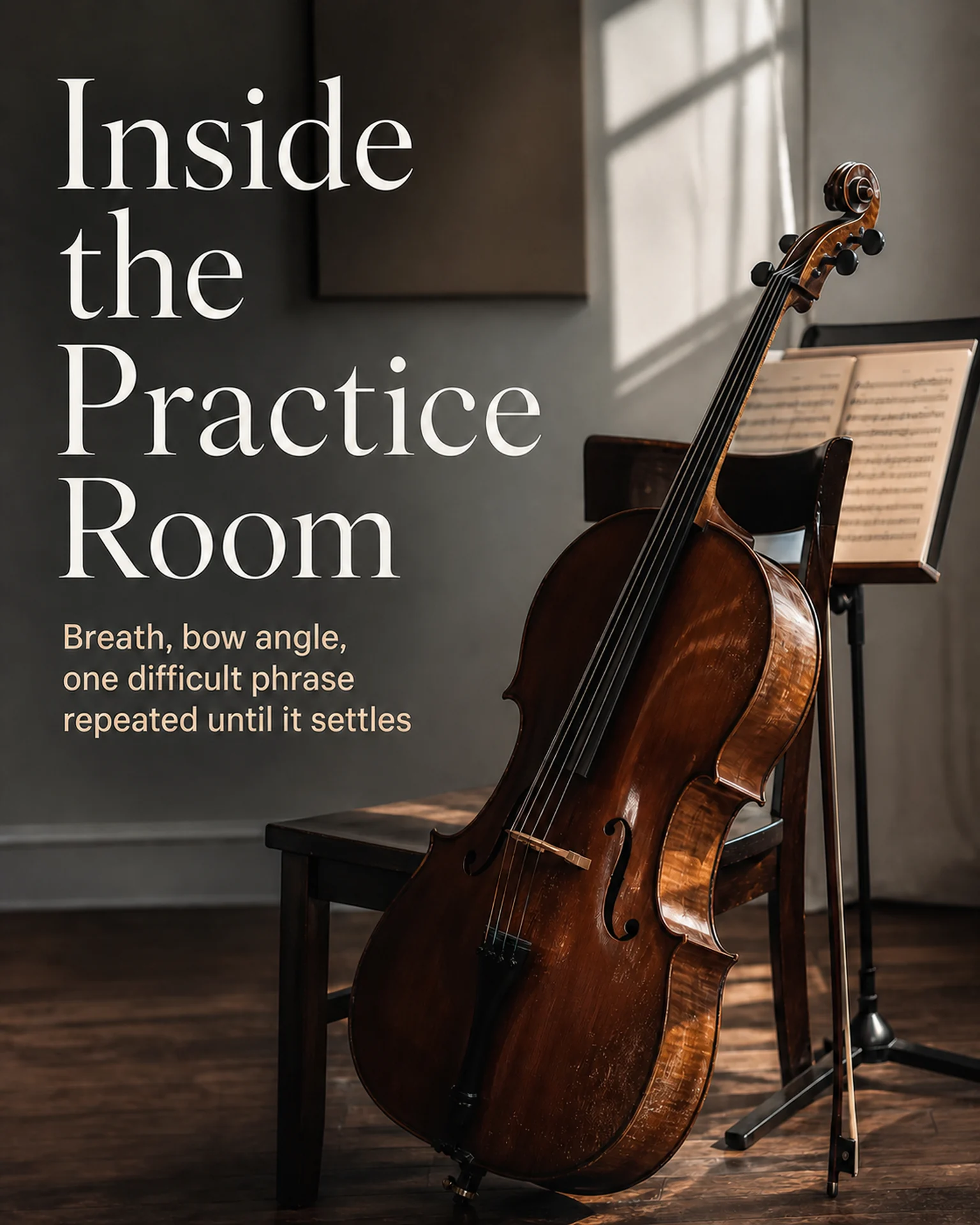
Show what happens in a real lesson through an approved photograph and a short explanation. Adapt Poprica’s practice-room reference with your own activity, audience and contact details.
After sign-in, your selected template continues to the creation screen. Review the coin requirement and conditions before generating.
The template guides the visual direction. Poprica generates a new image from your photo and information; it does not simply replace text in the sample image. The result may differ from the reference.
Prepare the source information
- 01Lesson photos cleared for publication by participants.
- 02The actual activity, target learners and class name.
- 03An inquiry channel and boundaries for personal information.
From brief to reviewed output
- 1
Confirm permission for people and work shown in the image.
- 2
Replace the practice reference with a real lesson and a short account of the activity.
- 3
Check readability on a phone and fidelity to the people and work in the source.
What to learn from this reference
The practice-room sample combines instrumental imagery with brief explanatory copy. It is not evidence of your students’ performance.
Browse templates for this use caseCheck before you publish
- Do not infer achievement or progress from a photograph.
- Check visible name tags and other personal details.
Questions before you start
Does this automatically post to social media?
No. Publish the resulting image through your existing channel and include useful contact details in the accompanying text.
Related creation guides
Start with your own photo and approved facts.
Choose the reference, supply your photo and copy, and generate a new design for your specific task.
Poprica editorial team / Reviewed:
このガイドを日本語で読む