Classes & schools / POPRICA
Create an instructor profile card
Introduce an instructor with their approved photograph, name and teaching focus. Adapt Poprica’s tutor-introduction template using a profile the instructor has checked.
After sign-in, your selected template continues to the creation screen. Review the coin requirement and conditions before generating.
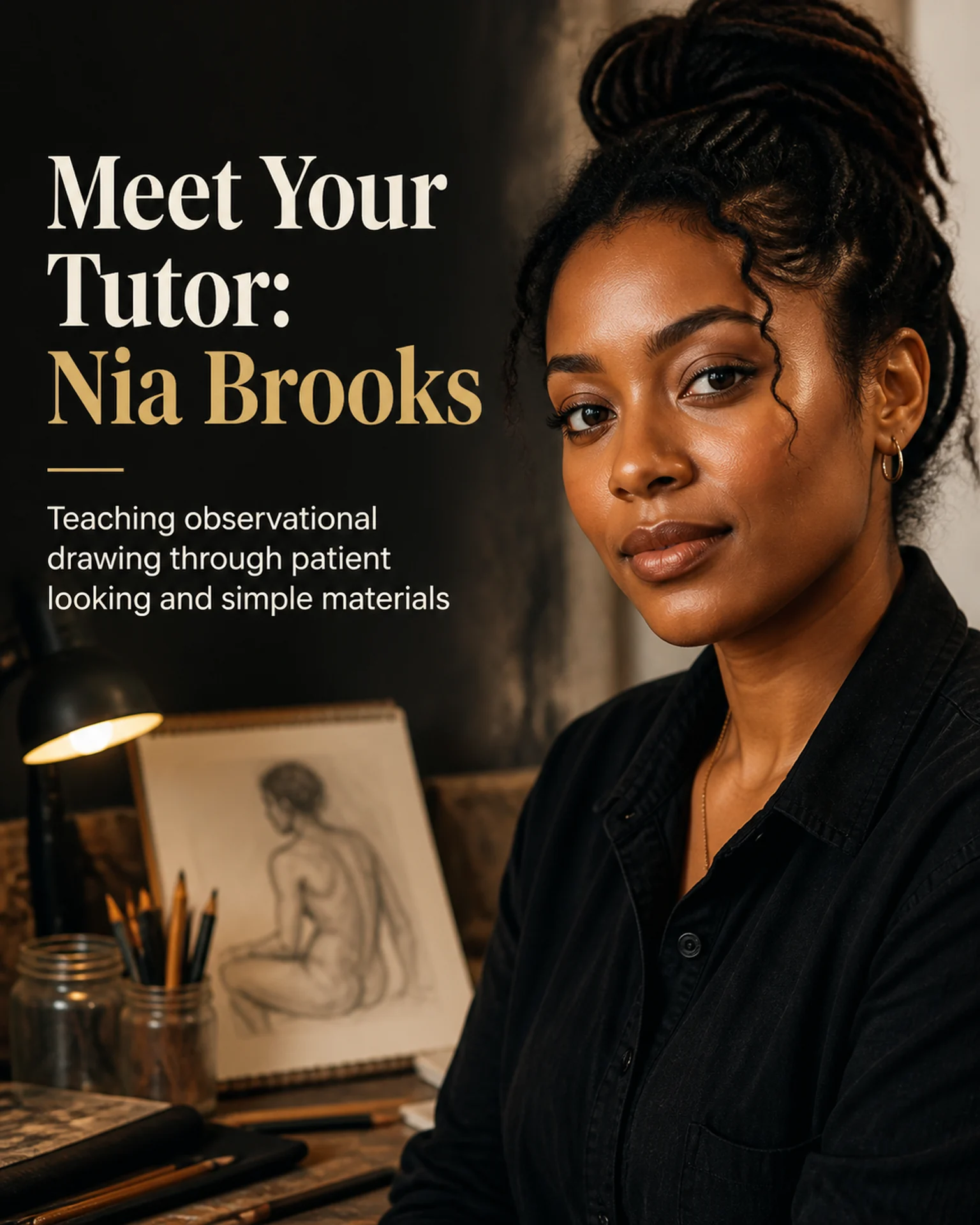
The template guides the visual direction. Poprica generates a new image from your photo and information; it does not simply replace text in the sample image. The result may differ from the reference.
Prepare the source information
- 01A portrait approved for publication by the instructor.
- 02Correct name, teaching subjects and approved introductory copy.
- 03Verifiable qualifications or background, if included.
From brief to reviewed output
- 1
Ask the instructor to approve both the portrait and biography.
- 2
Replace the reference portrait and name, emphasizing the actual teaching focus.
- 3
Review facial details, spelling and biographical claims with the instructor.
What to learn from this reference
The tutor reference combines a portrait, name and teaching description. Its person and identity are sample content.
Browse templates for this use caseCheck before you publish
- Do not add awards, qualifications or years of experience.
- Confirm rights to any artwork shown with the instructor.
Questions before you start
What if a portrait cannot be published?
Use approved tools or studio imagery instead. Never represent a different person as the instructor.
Related creation guides
Start with your own photo and approved facts.
Choose the reference, supply your photo and copy, and generate a new design for your specific task.
Poprica editorial team / Reviewed:
このガイドを日本語で読む