Classes & schools / POPRICA
Create a short-course enrollment poster
Explain all course dates, session times and eligibility, not just a broad date range. Adapt Poprica’s intensive-course reference with the total fee and application conditions.
After sign-in, your selected template continues to the creation screen. Review the coin requirement and conditions before generating.
The template guides the visual direction. Poprica generates a new image from your photo and information; it does not simply replace text in the sample image. The result may differ from the reference.
Prepare the source information
- 01Real classroom or material photographs.
- 02Every session date, start and end time, session count and target learners.
- 03Total cost, application deadline and partial-attendance rules.
From brief to reviewed output
- 1
List the actual dates and clarify any gaps in the schedule.
- 2
Add eligibility and hours to the intensive-course reference, then include fees and application terms.
- 3
Compare with the course prospectus to avoid confusion with regular classes.
What to learn from this reference
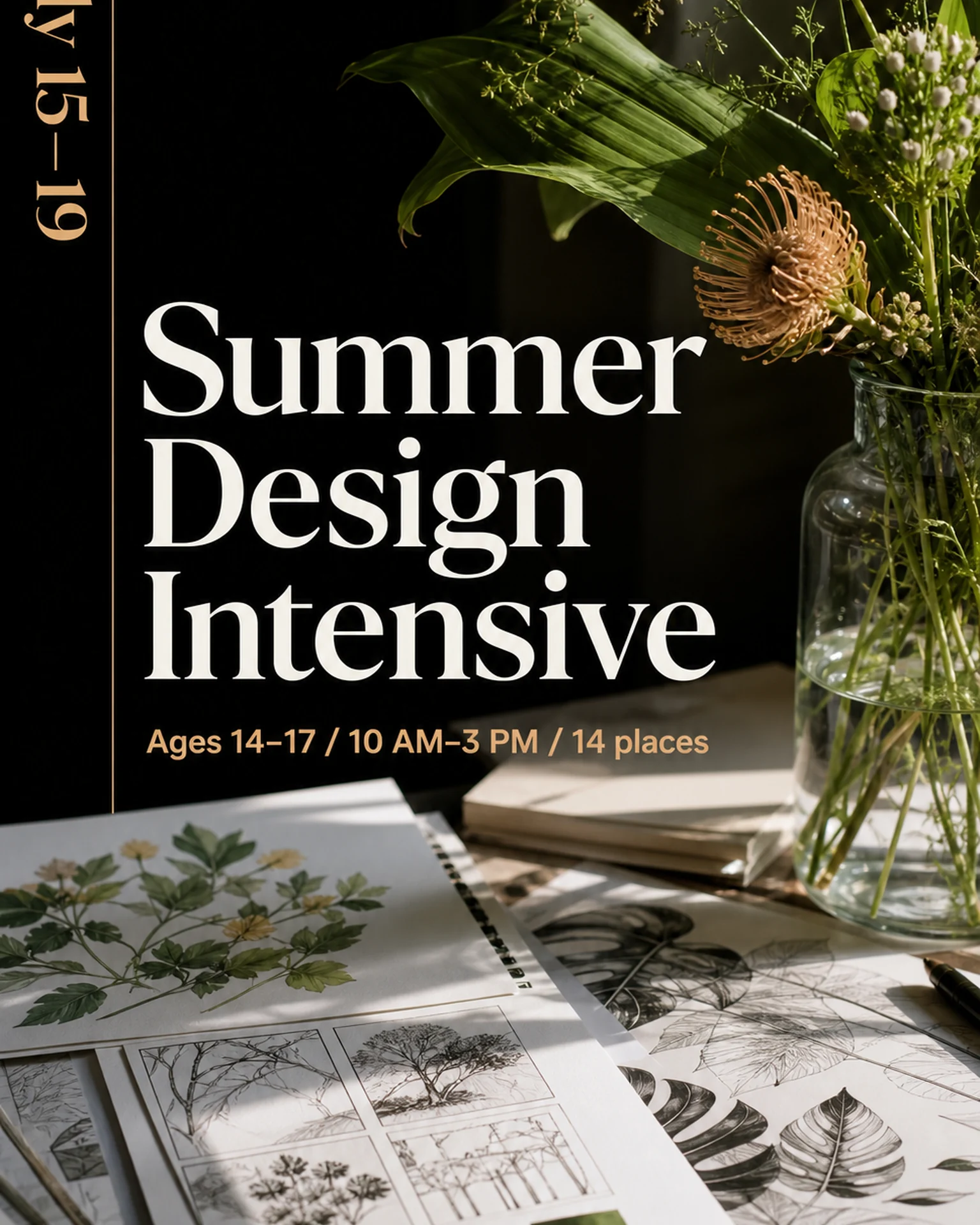
The summer-intensive reference shows a date range, ages, hours and capacity. Replace those sample conditions with your own.
Browse templates for this use caseCheck before you publish
- Do not imply daily teaching when the course skips dates.
- Check the full-course material costs.
Questions before you start
Can someone attend only selected days?
State the provider’s confirmed attendance and pricing rules rather than letting the design imply an answer.
Related creation guides
Start with your own photo and approved facts.
Choose the reference, supply your photo and copy, and generate a new design for your specific task.
Poprica editorial team / Reviewed:
このガイドを日本語で読む