Classes & schools / POPRICA
Create a new class opening notice
Introduce a new course through its start date, subject and intended learners. Adapt Poprica’s new-class reference with the actual frequency, fees and enrollment route.
After sign-in, your selected template continues to the creation screen. Review the coin requirement and conditions before generating.
The template guides the visual direction. Poprica generates a new image from your photo and information; it does not simply replace text in the sample image. The result may differ from the reference.
Prepare the source information
- 01Real classroom or material photographs.
- 02Course name, start date, weekday, frequency and subject matter.
- 03Age or experience requirements, fees and enrollment contact.
From brief to reviewed output
- 1
Distinguish the course start from any one-off introductory date.
- 2
Add the subject and eligible learners to the new-class reference.
- 3
Compare with enrollment information and check that the expected experience level is clear.
What to learn from this reference
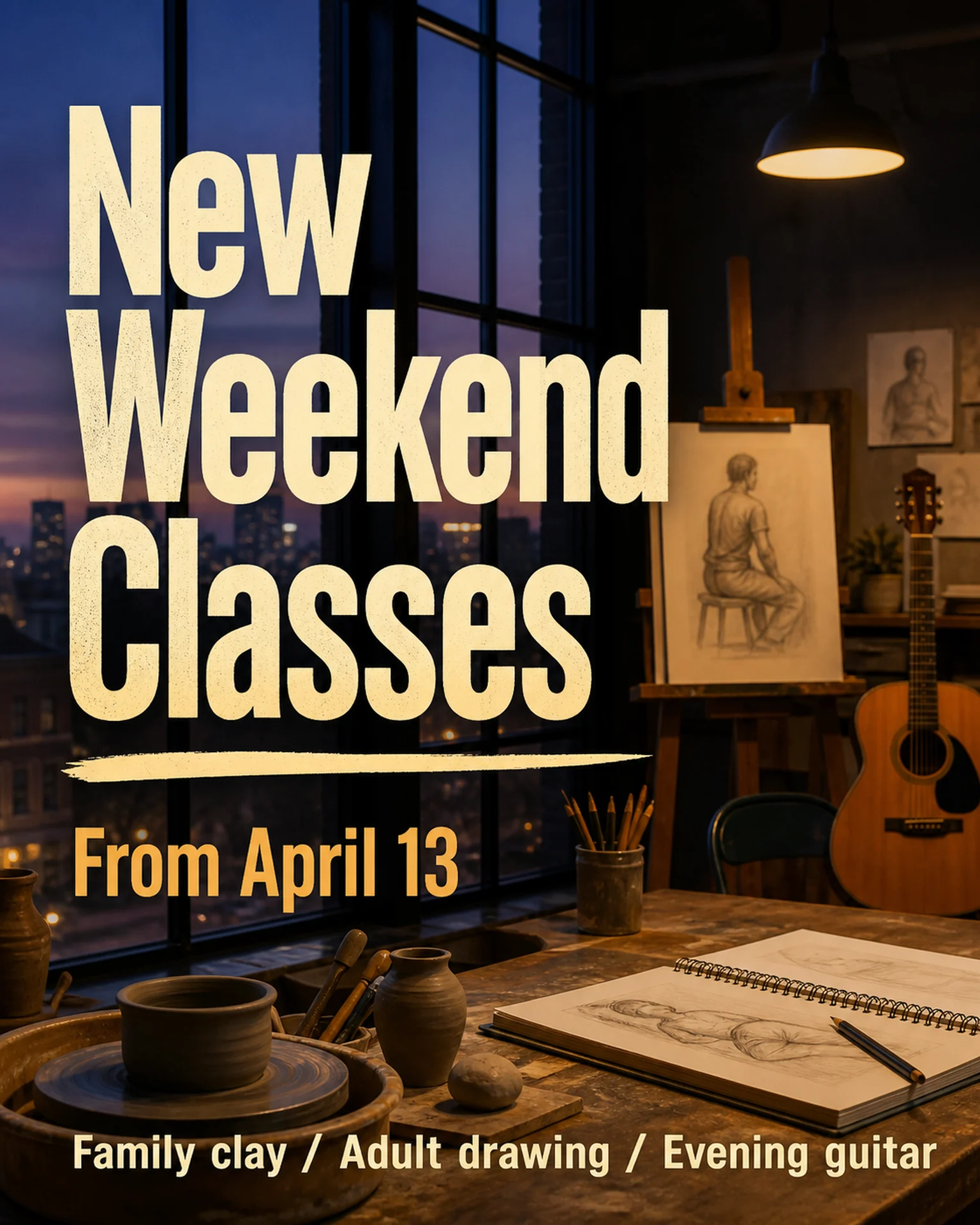
The weekend-class reference announces a start date and several subjects. Your detailed times and eligibility need to be supplied.
Browse templates for this use caseCheck before you publish
- Do not guarantee qualifications or learning outcomes.
- Separate a free introduction from the paid course.
Questions before you start
Can I advertise several classes together?
Keep the comparison readable. Split classes into separate notices when their conditions are too different.
Related creation guides
Start with your own photo and approved facts.
Choose the reference, supply your photo and copy, and generate a new design for your specific task.
Poprica editorial team / Reviewed:
このガイドを日本語で読む