Classes & schools / POPRICA
Create a class schedule card
Match each class with its weekday and start and end times. Adapt the list structure of a Poprica lesson-menu reference into a verified teaching schedule.
After sign-in, your selected template continues to the creation screen. Review the coin requirement and conditions before generating.
The template guides the visual direction. Poprica generates a new image from your photo and information; it does not simply replace text in the sample image. The result may differ from the reference.
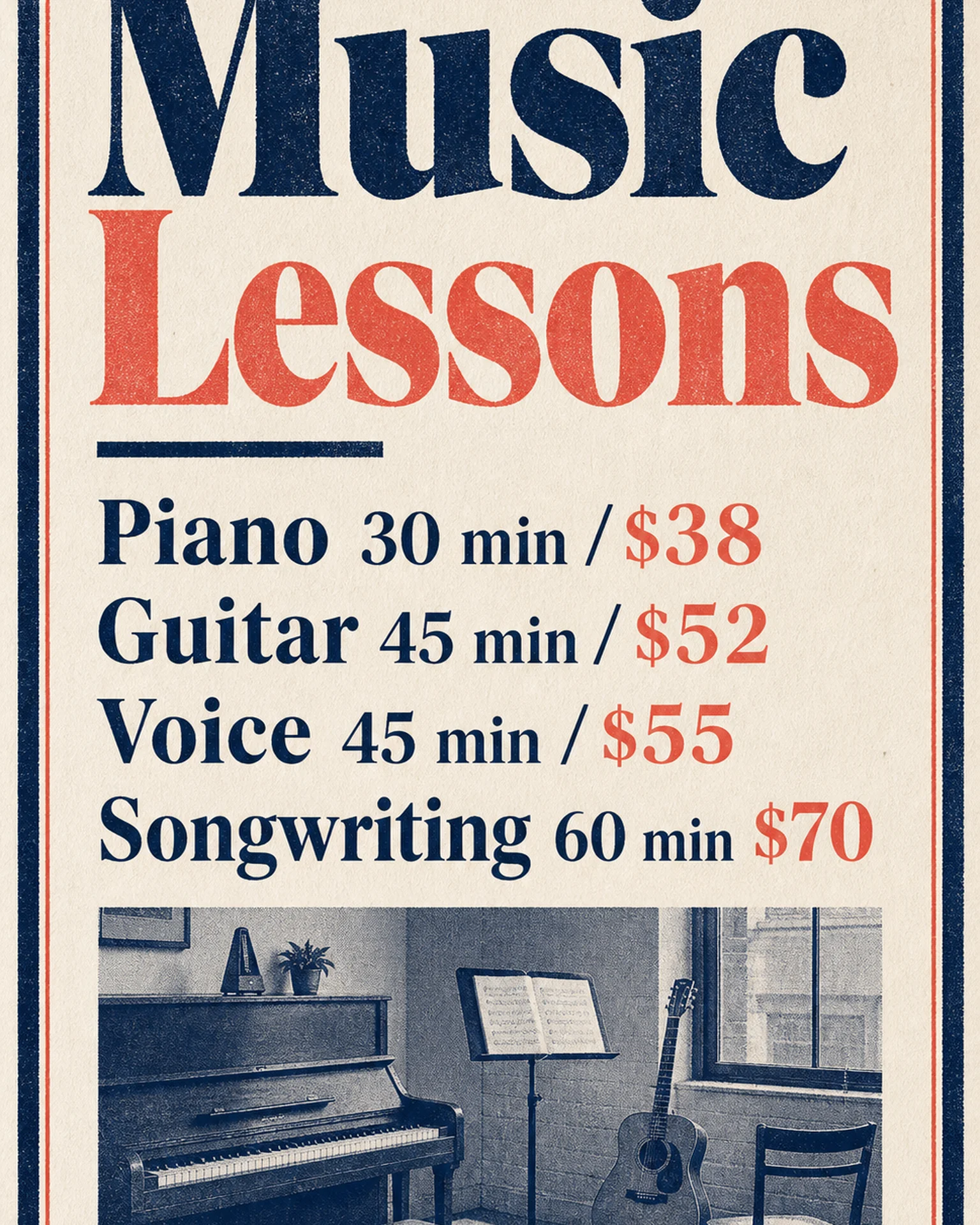
Prepare the source information
- 01Classroom or learning-material photographs.
- 02Confirmed weekdays, start and end times and class names.
- 03The venue, eligible learners and schedule validity period.
From brief to reviewed output
- 1
Arrange each day’s classes in time order.
- 2
Remove prices from the lesson-menu reference and replace them with the actual schedule.
- 3
Check every row against the source and its neighboring class.
What to learn from this reference
The original reference lists music lesson durations and prices. It is not a weekly timetable; the headings and row contents need to change.
Browse templates for this use caseCheck before you publish
- Do not confuse lesson duration with starting time.
- Treat the output as a static schedule, not live availability.
Questions before you start
Can it show a dense weekly timetable?
Consider a separate card for each day. Proofread every cell in the output and preserve readable text size.
Related creation guides
Start with your own photo and approved facts.
Choose the reference, supply your photo and copy, and generate a new design for your specific task.
Poprica editorial team / Reviewed:
このガイドを日本語で読む