Classes & schools / POPRICA
Create a student exhibition notice
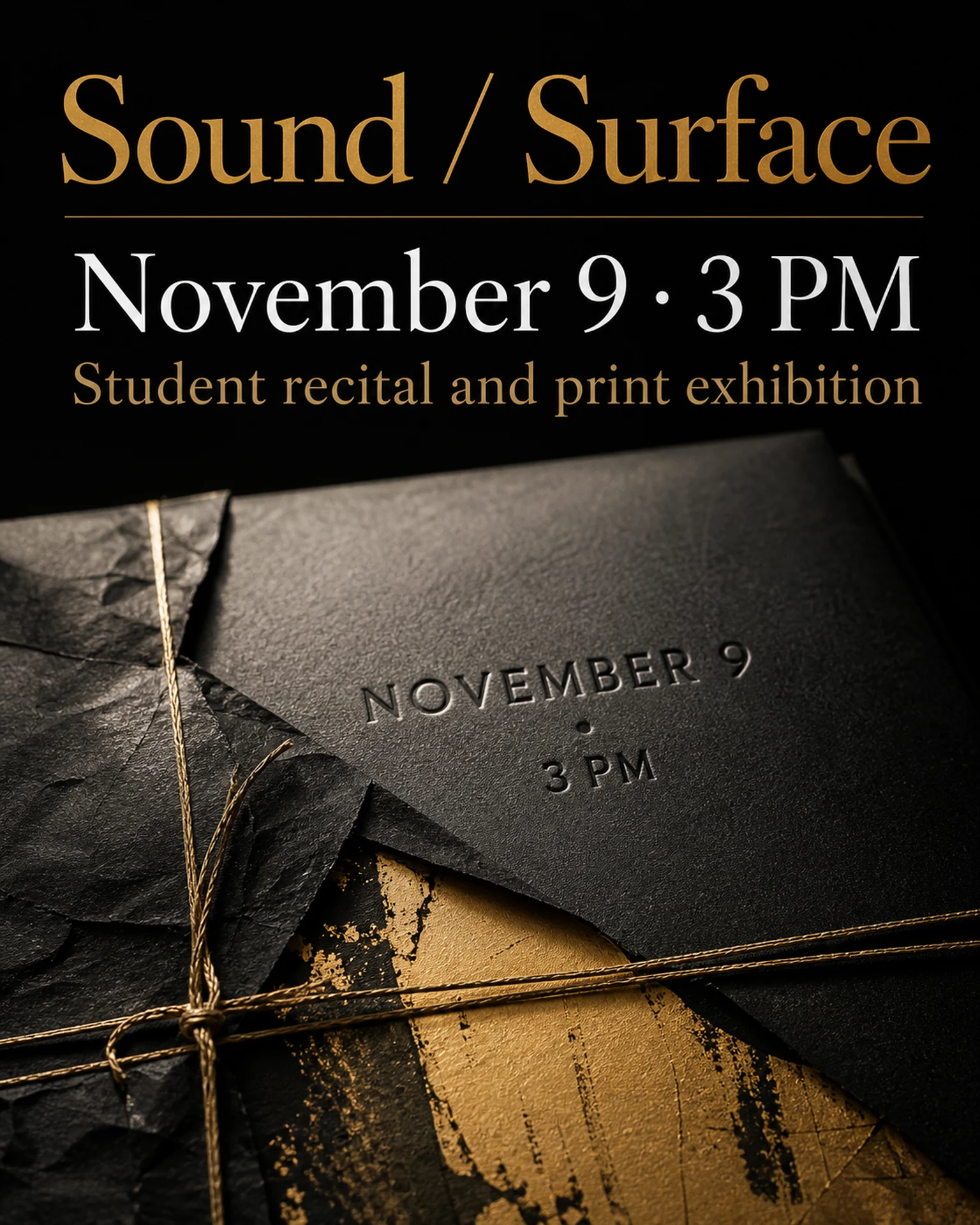
Pair permission-cleared student work with exhibition dates and venue details. Adapt Poprica’s recital-and-exhibition reference into a notice that explains how visitors can attend.
After sign-in, your selected template continues to the creation screen. Review the coin requirement and conditions before generating.
The template guides the visual direction. Poprica generates a new image from your photo and information; it does not simply replace text in the sample image. The result may differ from the reference.
Prepare the source information
- 01Artwork photos approved for this publication by their creators.
- 02Exhibition title, dates, opening hours and venue.
- 03Admission conditions, organizer and required artist credits.
From brief to reviewed output
- 1
Confirm each work’s attribution and publication permission.
- 2
Replace the reference with real student work and exhibition information.
- 3
Check that artwork details remain faithful and proofread dates and closure days.
What to learn from this reference
The reference combines exhibition imagery with an event date. Replace the sample artwork and provide approved credits.
Browse templates for this use caseCheck before you publish
- Do not present sample artwork as student achievement.
- Clarify whether a recital is also part of the event.
Questions before you start
Can I crop the artwork?
Follow the artist’s permission. Change the layout if the work needs to be shown in full.
Related creation guides
Start with your own photo and approved facts.
Choose the reference, supply your photo and copy, and generate a new design for your specific task.
Poprica editorial team / Reviewed:
このガイドを日本語で読む