Restaurants / POPRICA
Create a café drinks menu
Organize hot or iced options, sizes and add-ons before designing a café drinks menu. Poprica can turn your drink photographs and approved copy into a static menu that guests can review while ordering.
After sign-in, your selected template continues to the creation screen. Review the coin requirement and conditions before generating.
The template guides the visual direction. Poprica generates a new image from your photo and information; it does not simply replace text in the sample image. The result may differ from the reference.
Prepare the source information
- 01Photos using the actual serving cups or glasses.
- 02Drink names and prices for each available size and temperature.
- 03Confirmed extras such as alternative milk or additional espresso shots.
From brief to reviewed output
- 1
Map each drink to the sizes and temperatures actually available.
- 2
Separate base prices from extras, choose representative photographs and generate the layout.
- 3
Walk through an order to check that the design does not imply unavailable combinations.
What to learn from this reference
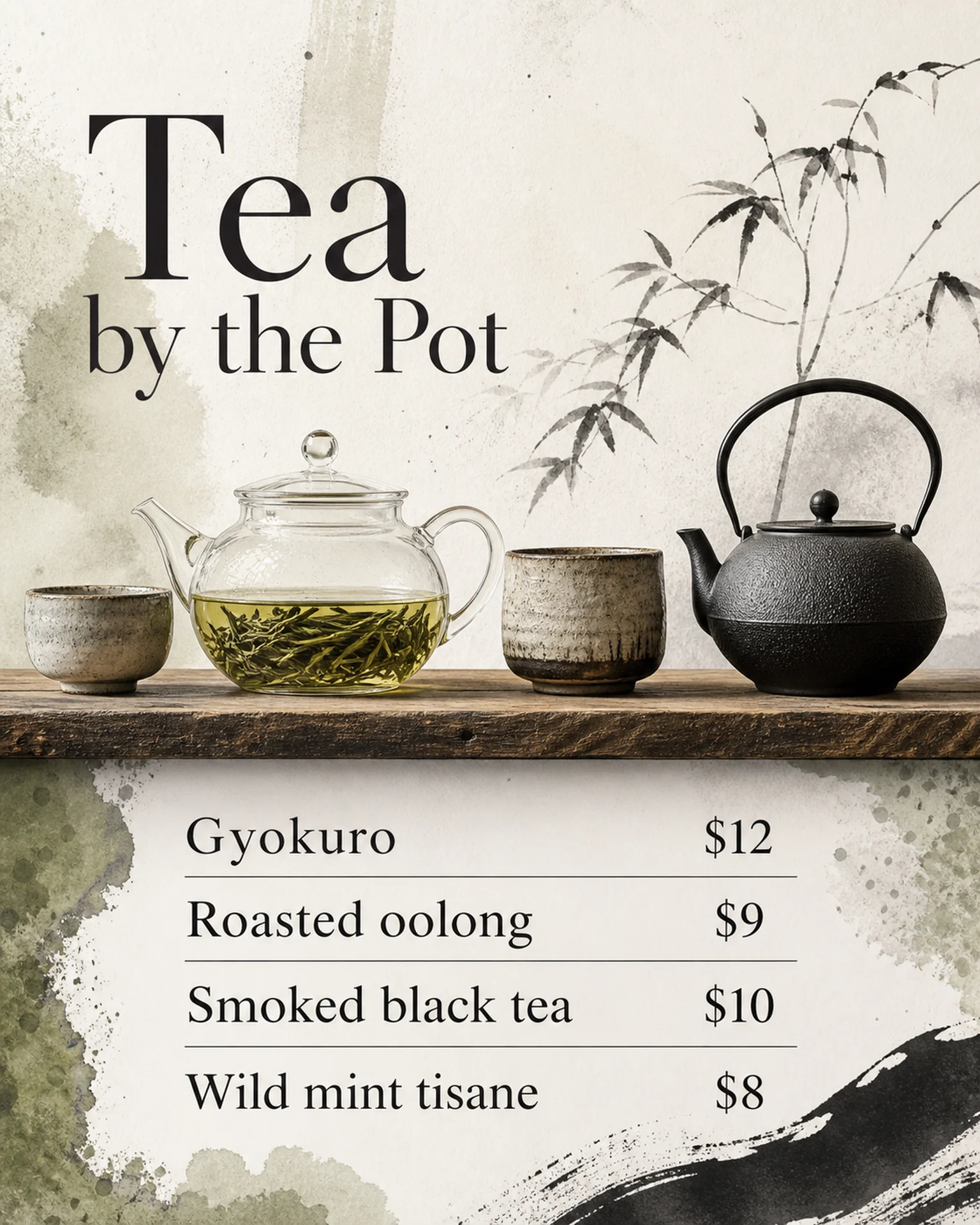
The English reference is a tea-by-the-pot menu with vessels and a price list. Use its hierarchy as a reference, then supply your café’s own size, temperature and add-on details.
Browse templates for this use caseCheck before you publish
- Do not pair a small-cup photo with an unexplained larger-size price.
- Make surcharges distinct from the base drink price.
- Proofread every drink-to-price relationship.
Questions before you start
What if hot and iced prices differ?
Show both prices with clear labels beside the drink, rather than relying on an unexplained price range.
What if the options do not fit?
Split drinks into focused groups and review at the intended display size rather than shrinking every line.
Related creation guides
Start with your own photo and approved facts.
Choose the reference, supply your photo and copy, and generate a new design for your specific task.
Poprica editorial team / Reviewed:
このガイドを日本語で読む