Restaurants / POPRICA
Create a restaurant takeout notice
Explain how to order, choose a pickup window and collect a meal with a clear takeout notice. Use Poprica’s ordering-guide template as a visual starting point, then supply your restaurant’s actual contact method and collection rules.
After sign-in, your selected template continues to the creation screen. Review the coin requirement and conditions before generating.
The template guides the visual direction. Poprica generates a new image from your photo and information; it does not simply replace text in the sample image. The result may differ from the reference.
Prepare the source information
- 01A photograph of the meal in its real takeaway container.
- 02Eligible dishes, prices, ordering channel, order cutoff and pickup hours.
- 03The collection location and whether advance ordering is required.
From brief to reviewed output
- 1
Write the real order-to-collection sequence, distinguishing the last order time from the last pickup time.
- 2
Adapt the numbered template with your own photo and ordering instructions.
- 3
Read it as a first-time customer: verify where to order, when to arrive and where to collect.
What to learn from this reference
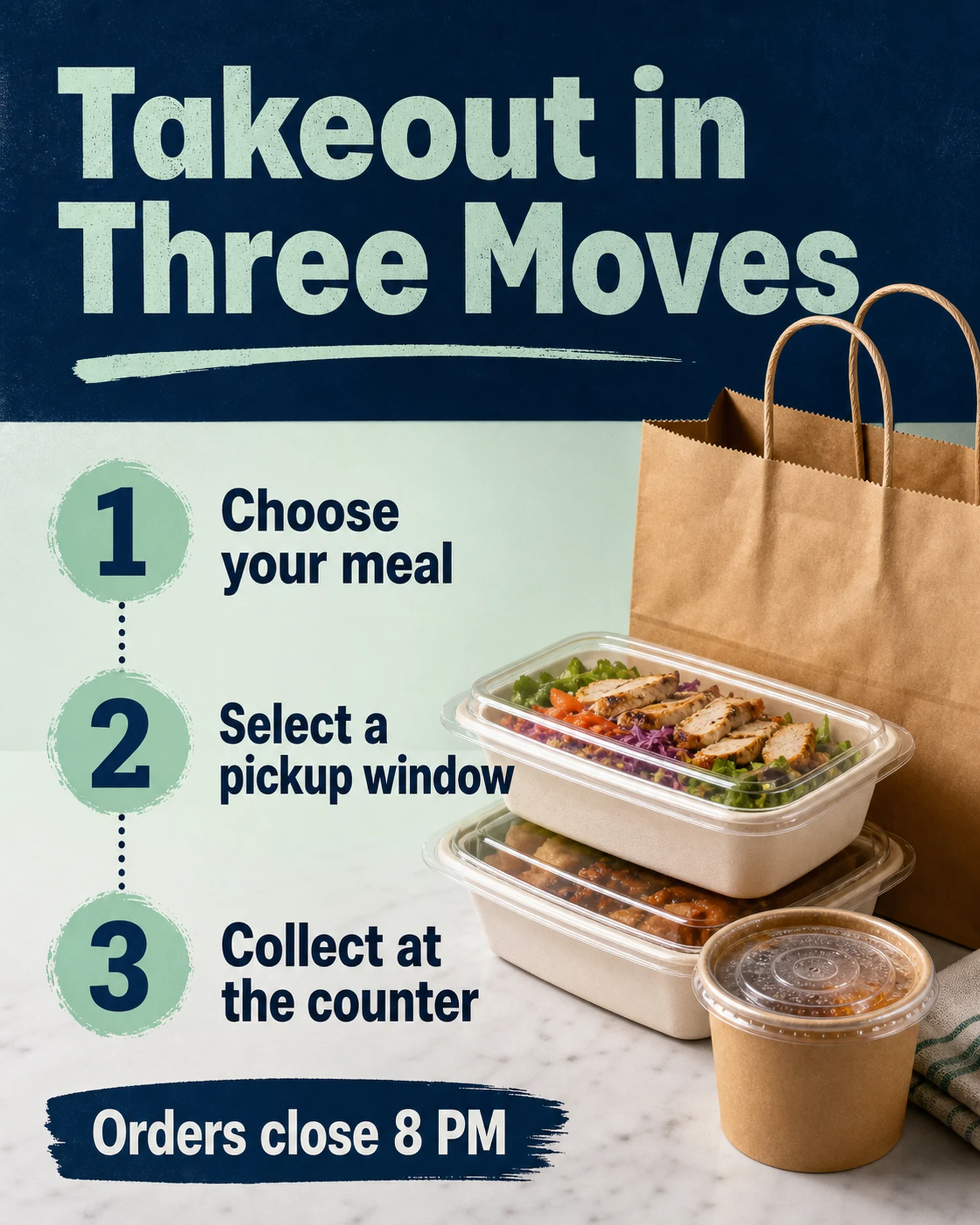
The English reference shows three numbered moves and a separate order cutoff beside a packaged meal. Replace those example rules with your actual procedure and add the correct ordering channel.
Browse templates for this use caseCheck before you publish
- Do not confuse order cutoff with collection closing time.
- Distinguish included sides from photo props and dine-in-only items.
- Check contact details character by character; a notice does not provide an ordering system.
Questions before you start
Does this create an online ordering service?
No. This workflow produces an explanatory image. Continue to receive orders through your existing channel.
Should the notice include the full menu?
Keep the guide focused on the procedure. Link or refer to a separate menu when the dish list would crowd the instructions.
Related creation guides
Start with your own photo and approved facts.
Choose the reference, supply your photo and copy, and generate a new design for your specific task.
Poprica editorial team / Reviewed:
このガイドを日本語で読む