Restaurants / POPRICA
Create a limited-batch restaurant notice
State only the sales limits your restaurant has confirmed. Use the actual dish photo and approved quantities or dates in Poprica to create a notice without invented scarcity.
After sign-in, your selected template continues to the creation screen. Review the coin requirement and conditions before generating.
The template guides the visual direction. Poprica generates a new image from your photo and information; it does not simply replace text in the sample image. The result may differ from the reference.
Prepare the source information
- 01A photo of the real limited-batch item.
- 02Sale dates, confirmed quantity and any per-person limit.
- 03The actual reservation, hold and sold-out policies.
From brief to reviewed output
- 1
Specify whether the limit is per day or for the entire offer.
- 2
Generate with product, price, quantity basis and start time clearly related.
- 3
Check the notice against staff instructions and plan what happens after sell-out.
What to learn from this reference
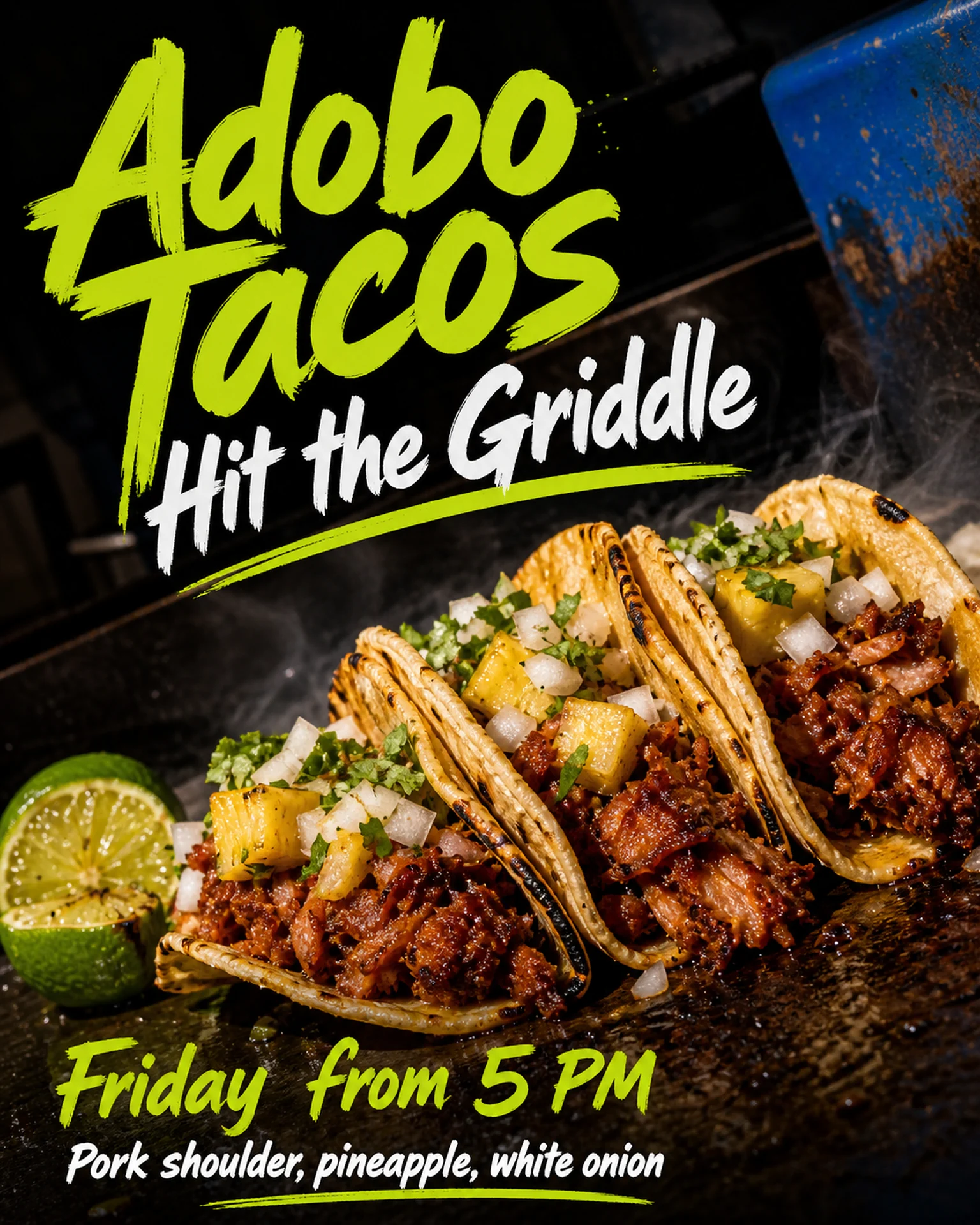
The taco reference shows a day and start time, not a verified limited-stock offer. Supply and review your own quantity, dates and purchase limits when adapting it.
Browse templates for this use caseCheck before you publish
- Do not invent remaining stock or urgency claims.
- Distinguish first-come service from reservation priority.
- Remove outdated quantities and dates before reusing the design.
Questions before you start
Will it display live remaining stock?
No. It produces a static image; any stock statement needs a separate manual update process.
What if the quantity is not final?
Do not invent it. Advertise only confirmed conditions, such as an established sales period.
Related creation guides
Start with your own photo and approved facts.
Choose the reference, supply your photo and copy, and generate a new design for your specific task.
Poprica editorial team / Reviewed:
このガイドを日本語で読む