Events / POPRICA
Create an event change notice
Separate the original information from the confirmed change and explain attendees’ next action. Rework a Poprica event-announcement reference into a postponement or venue-change notice.
After sign-in, your selected template continues to the creation screen. Review the coin requirement and conditions before generating.
The template guides the visual direction. Poprica generates a new image from your photo and information; it does not simply replace text in the sample image. The result may differ from the reference.
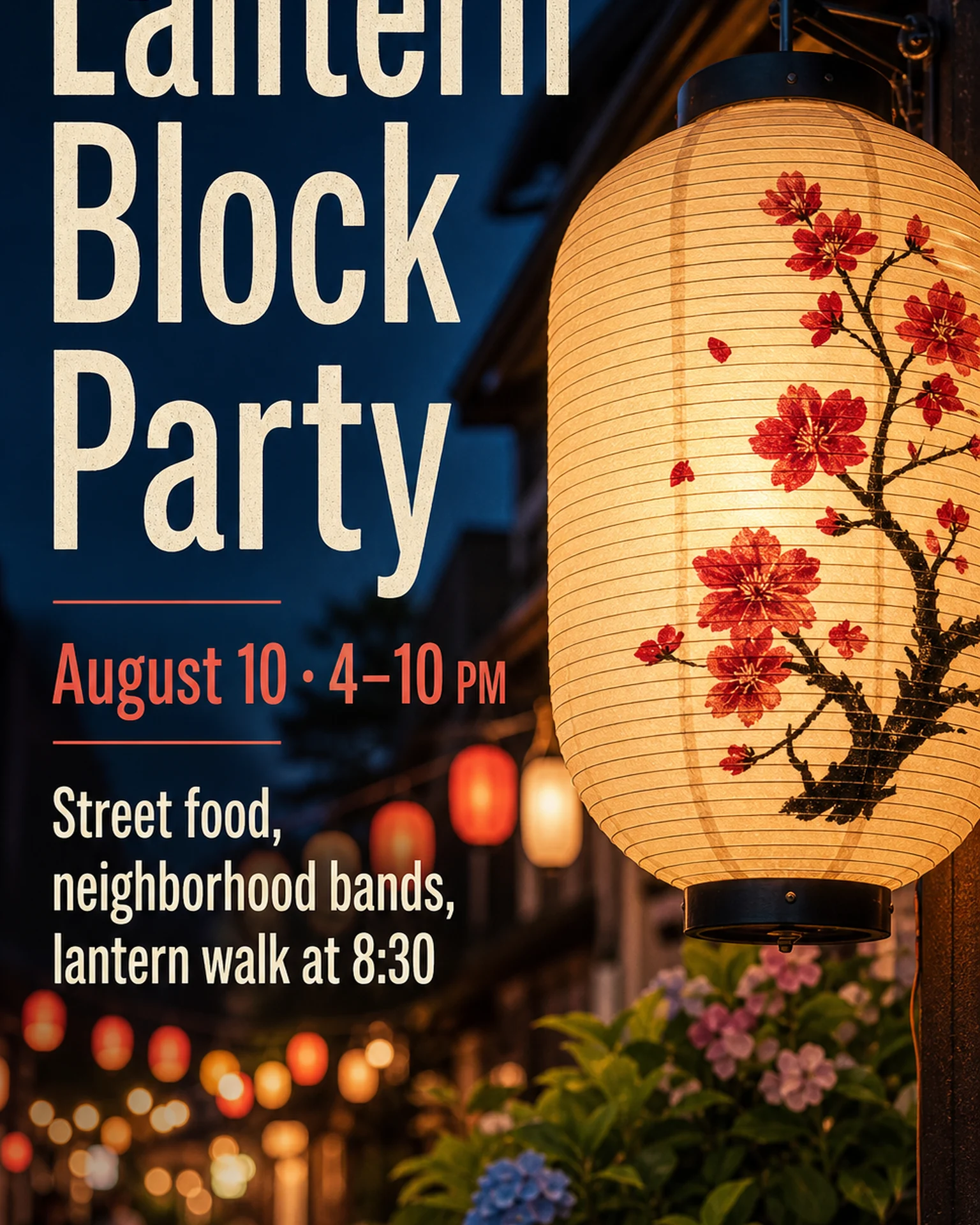
Prepare the source information
- 01Approved event or venue photographs.
- 02Original date, replacement date and any new venue.
- 03Confirmed contact route and attendee instructions.
From brief to reviewed output
- 1
Check which facts are changing and which remain valid.
- 2
Add a clear change heading and distinct original and revised details to the event reference.
- 3
Compare with earlier publicity so the old date cannot be mistaken for the current plan.
What to learn from this reference
The source is a normal festival announcement, not a change-notice example. Reuse its hierarchy while replacing the communication task.
Browse templates for this use caseCheck before you publish
- Do not invent refund or transfer arrangements.
- Distinguish a venue change from a date change.
Questions before you start
What if the new date is not decided?
State the postponement and where the next update will appear; do not invent a replacement date.
Related creation guides
Start with your own photo and approved facts.
Choose the reference, supply your photo and copy, and generate a new design for your specific task.
Poprica editorial team / Reviewed:
このガイドを日本語で読む