Events / POPRICA
Create a workshop enrollment poster
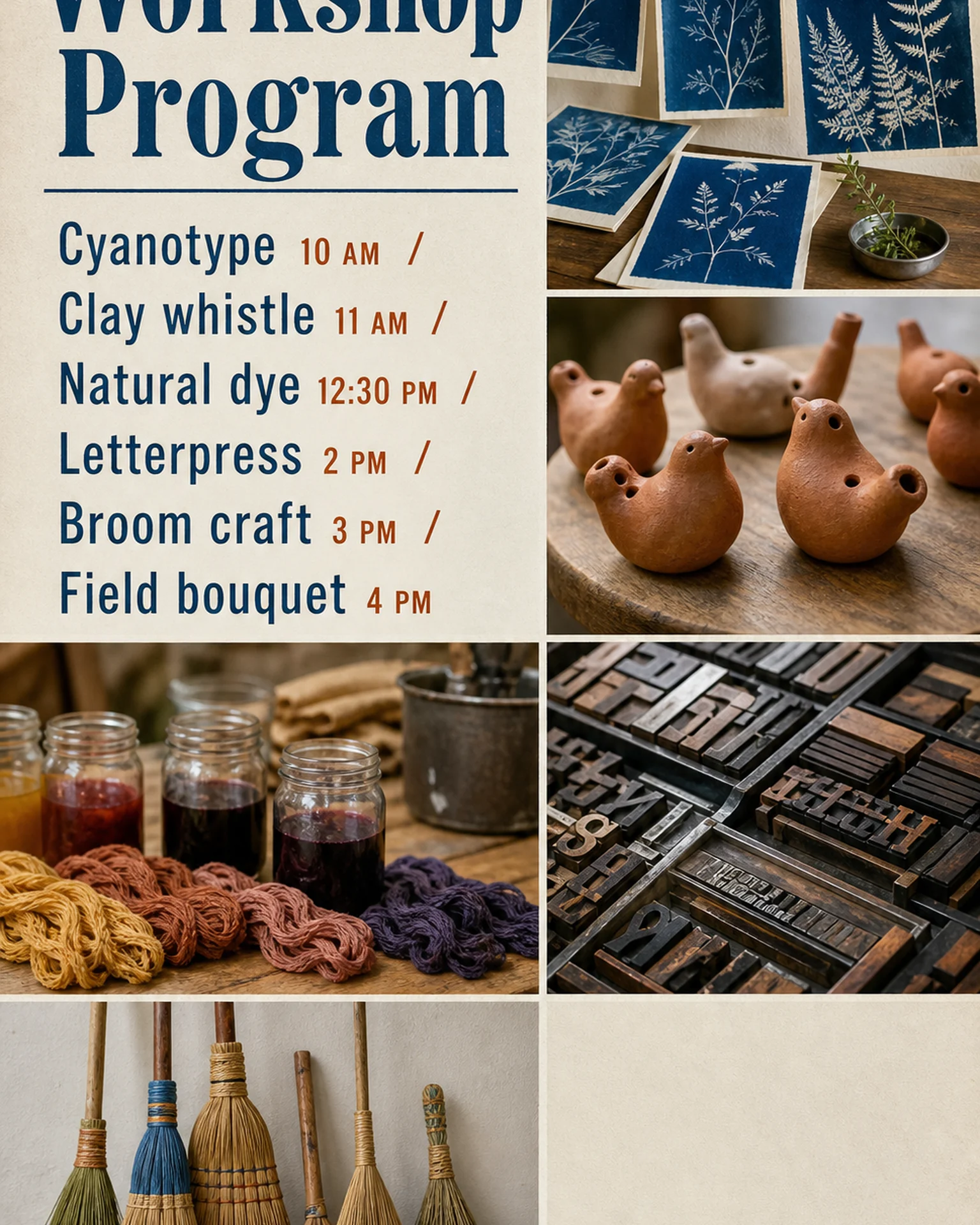
Explain the activity and who can take part before asking people to book. Adapt Poprica’s workshop-program reference with capacity, fees, age requirements and enrollment details.
After sign-in, your selected template continues to the creation screen. Review the coin requirement and conditions before generating.
The template guides the visual direction. Poprica generates a new image from your photo and information; it does not simply replace text in the sample image. The result may differ from the reference.
Prepare the source information
- 01Actual demonstration pieces or activity photographs.
- 02Activity, eligible ages, duration and starting time.
- 03Capacity, participation fee, booking route and deadline.
From brief to reviewed output
- 1
Confirm what participants will actually do with the instructor.
- 2
Focus the multi-activity reference on the workshop being promoted.
- 3
Review participation conditions and whether materials are included in the fee.
What to learn from this reference
The reference lists activities and start times. A single workshop needs more space for eligibility and booking details.
Browse templates for this use caseCheck before you publish
- Do not guarantee that everyone produces an identical object.
- Distinguish start time from task duration.
Questions before you start
Should I mention tools to bring?
Yes when required. Separate organizer-supplied tools from items participants must provide.
Related creation guides
Start with your own photo and approved facts.
Choose the reference, supply your photo and copy, and generate a new design for your specific task.
Poprica editorial team / Reviewed:
このガイドを日本語で読む