Events / POPRICA
Create an event reminder social post
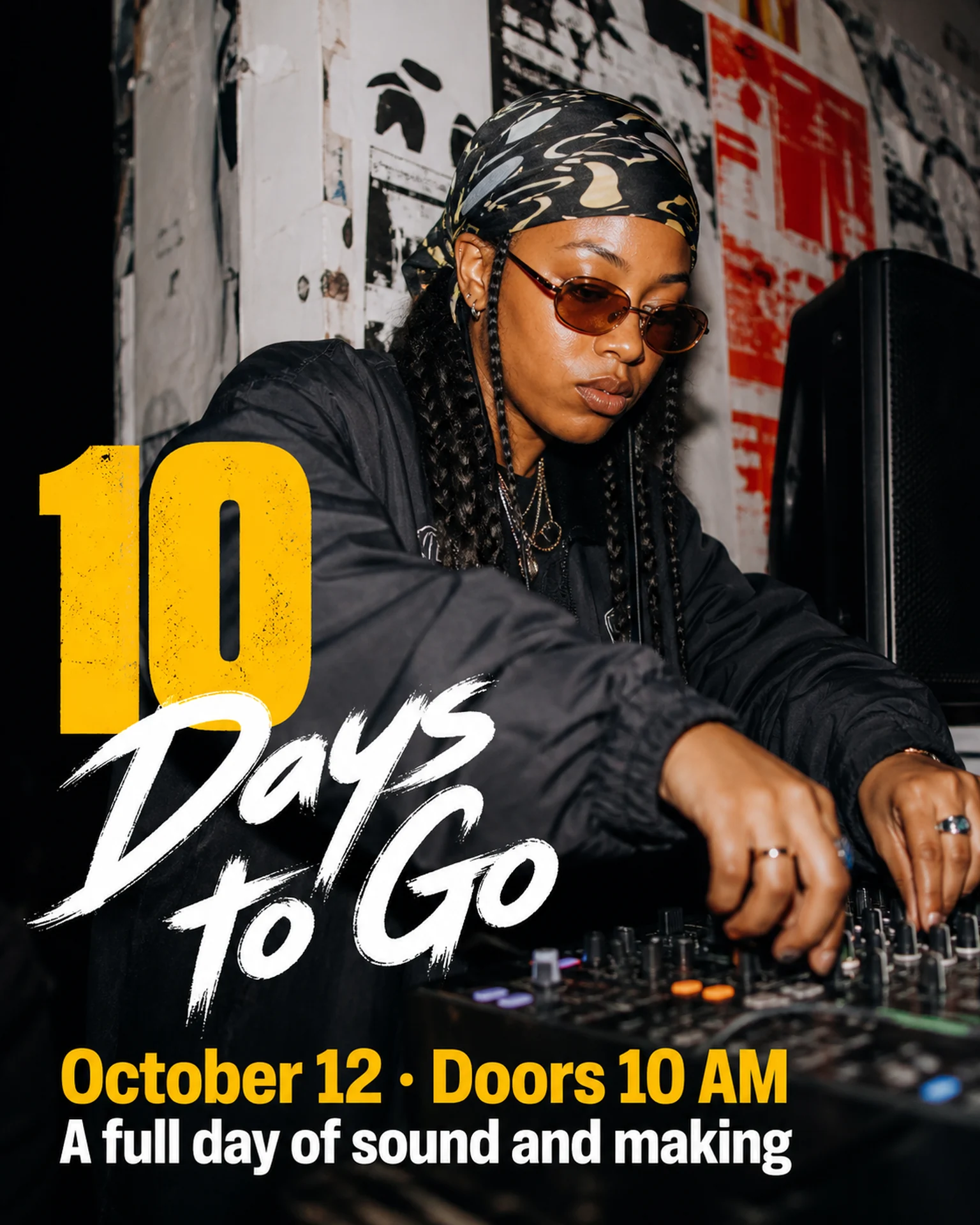
Use a final reminder to confirm the date and how people can attend. Adapt Poprica’s countdown reference with a calendar date and current registration conditions, not just a relative day count.
After sign-in, your selected template continues to the creation screen. Review the coin requirement and conditions before generating.
The template guides the visual direction. Poprica generates a new image from your photo and information; it does not simply replace text in the sample image. The result may differ from the reference.
Prepare the source information
- 01Approved photographs of the real venue or program.
- 02Event date, start time and registration deadline.
- 03Walk-in eligibility, participation route and venue.
From brief to reviewed output
- 1
Calculate the countdown from the intended publication date.
- 2
Add the confirmed date and attendance route to the countdown reference.
- 3
Read the result on a phone and plan what happens to the post after the date passes.
What to learn from this reference
The reference pairs a large countdown with a specific event date. Recalculate the number for your actual posting day.
Browse templates for this use caseCheck before you publish
- Do not reuse an outdated “days to go” number.
- Keep registration deadlines and walk-in conditions explicit.
Questions before you start
Can I schedule this post in advance?
Check the number against the scheduled publication date and update it if posting plans change.
Related creation guides
Start with your own photo and approved facts.
Choose the reference, supply your photo and copy, and generate a new design for your specific task.
Poprica editorial team / Reviewed:
このガイドを日本語で読む