Events / POPRICA
Create an event ticket price notice
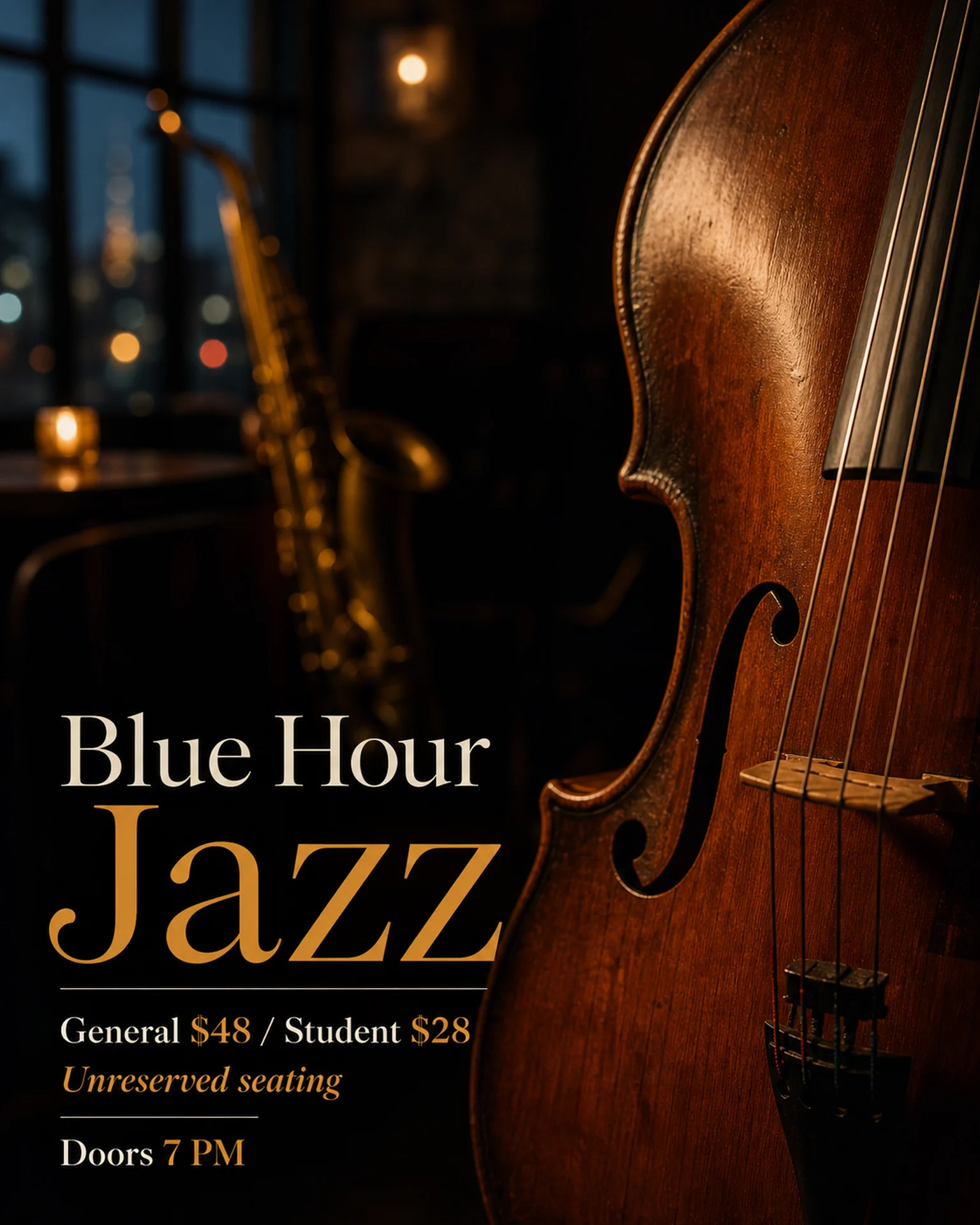
Pair every ticket category with its price and eligibility. Adapt Poprica’s performance-price reference to explain actual advance, door or student ticket conditions.
After sign-in, your selected template continues to the creation screen. Review the coin requirement and conditions before generating.
The template guides the visual direction. Poprica generates a new image from your photo and information; it does not simply replace text in the sample image. The result may differ from the reference.
Prepare the source information
- 01Approved performance or venue photographs.
- 02Ticket categories, prices and eligibility.
- 03Sales deadlines, purchase channel and seating conditions.
From brief to reviewed output
- 1
Confirm the audience and sale period for each category.
- 2
Add ticket-to-price pairs to the performance reference and include the purchase route.
- 3
Compare with the sales page to check every category and condition.
What to learn from this reference
The jazz reference separates general and student prices. Other categories need their own explicit labels.
Browse templates for this use caseCheck before you publish
- Separate doors-open and performance start times.
- Preserve reserved versus unreserved seating details.
Questions before you start
Does this sell tickets?
No. It creates the price notice. Use your existing ticket service or sales desk for transactions.
Related creation guides
Start with your own photo and approved facts.
Choose the reference, supply your photo and copy, and generate a new design for your specific task.
Poprica editorial team / Reviewed:
このガイドを日本語で読む