Beauty & salons / POPRICA
Create a salon closure notice
Separate the closed period from the reopening date. Use an actual salon photo and confirmed operating details in Poprica for a notice clients can check before booking.
After sign-in, your selected template continues to the creation screen. Review the coin requirement and conditions before generating.
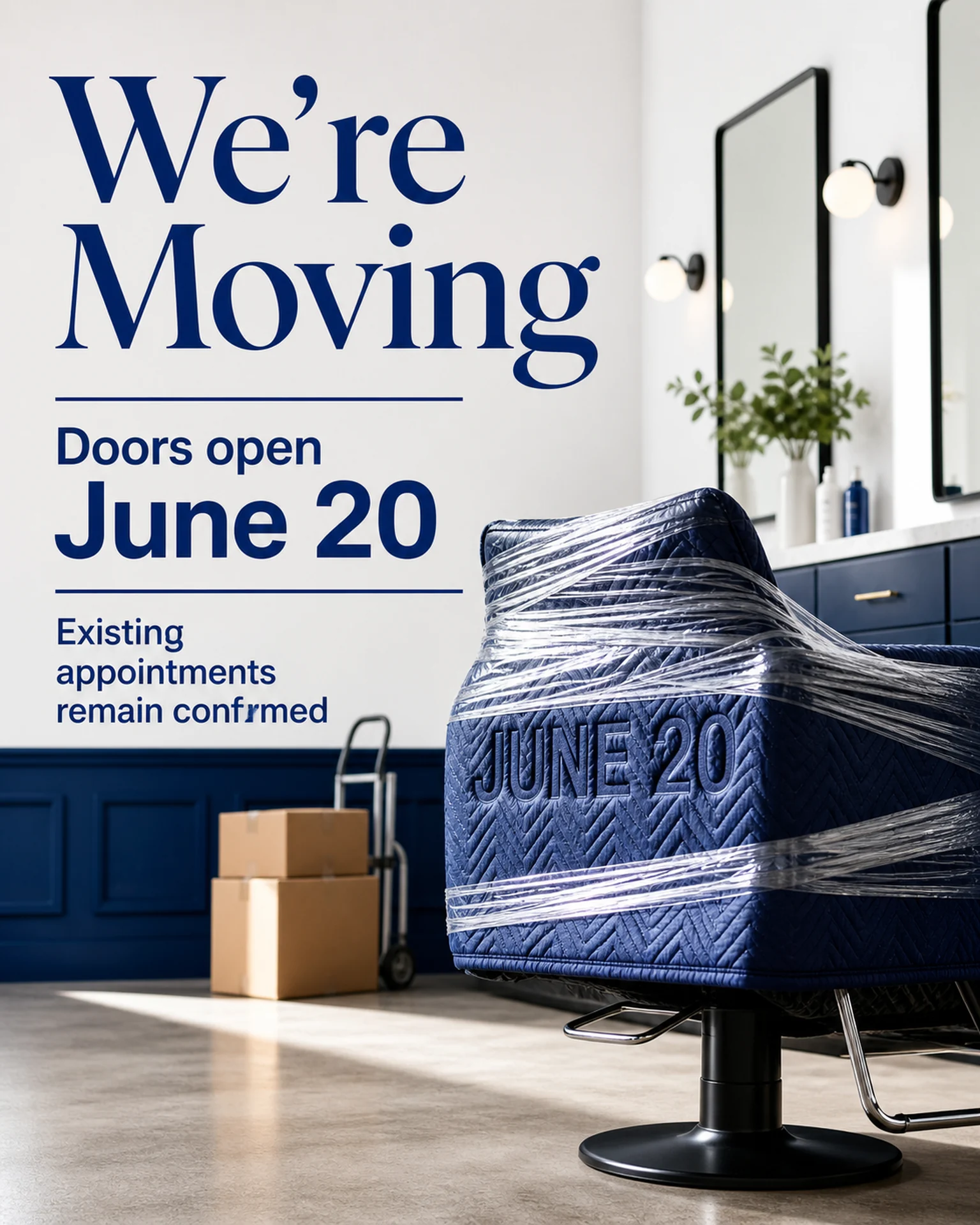
The template guides the visual direction. Poprica generates a new image from your photo and information; it does not simply replace text in the sample image. The result may differ from the reference.
Prepare the source information
- 01An actual salon photograph.
- 02Closure start, closure end and reopening date.
- 03Contact availability and response conditions during the closure.
From brief to reviewed output
- 1
Distinguish days without appointments from days when enquiries are still handled.
- 2
Generate with the closed period and reopening date prominent, adding contact conditions.
- 3
Compare with the calendar and booking setup and correct weekday errors.
What to learn from this reference
The reference announces a salon move and opening date. Replace that relocation message with closure and reopening information; it is a composition reference, not an existing closure notice.
Browse templates for this use caseCheck before you publish
- Do not confuse the last closed day with the first open day.
- Confirm whether booking enquiries remain available.
- Avoid unnecessary personal details about the reason for closure.
Questions before you start
What if enquiries remain open?
State the available channel and likely response timing separately from appointment availability.
What if reopening is not final?
Use the confirmed estimate and update channel without inventing a fixed reopening date.
Related creation guides
Start with your own photo and approved facts.
Choose the reference, supply your photo and copy, and generate a new design for your specific task.
Poprica editorial team / Reviewed:
このガイドを日本語で読む