Beauty & salons / POPRICA
Create a salon retail-product card
Keep retail products distinct from salon treatments and state the pack size and price. Use the real container photo and approved product information in Poprica for a clear counter display.
After sign-in, your selected template continues to the creation screen. Review the coin requirement and conditions before generating.
The template guides the visual direction. Poprica generates a new image from your photo and information; it does not simply replace text in the sample image. The result may differ from the reference.
Prepare the source information
- 01A photograph of the actual bottle or container.
- 02The official name, volume and price.
- 03Verified product descriptions and usage directions.
From brief to reviewed output
- 1
Separate product facts from the salon’s recommendation and verify both.
- 2
Generate around the container, name and price with a short approved description.
- 3
Compare the output label, volume and copy with the real product.
What to learn from this reference
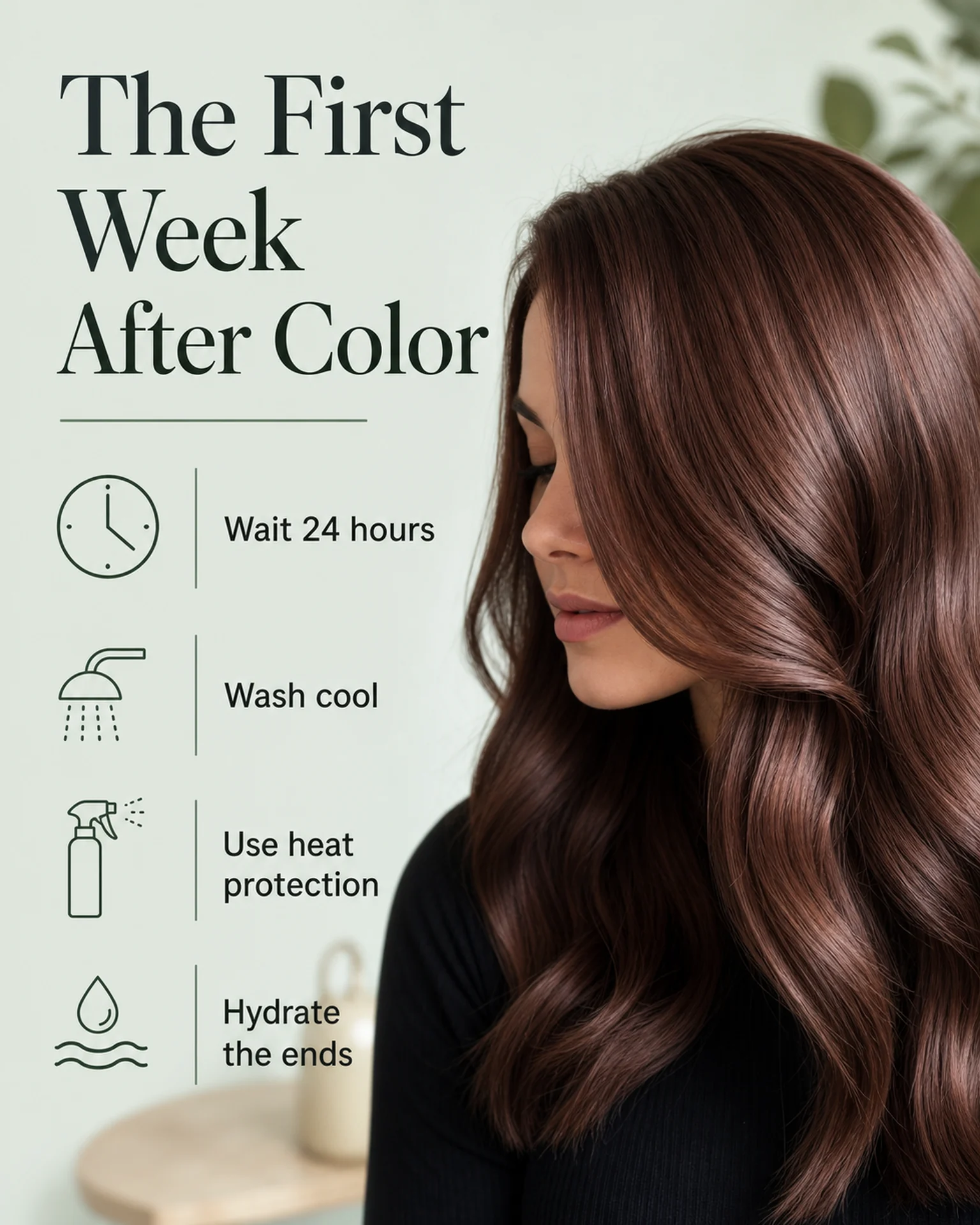
The reference is a post-colour care guide, not a retail-product advertisement. Replace the care steps with your product’s actual name, volume, price and approved explanation.
Browse templates for this use caseCheck before you publish
- Do not infer treatment or hair-improvement effects.
- Do not imply the retail item is included in a service fee.
- Use exclusivity language only when its conditions are verified.
Questions before you start
Can I infer ingredients from the image?
Use verified product documentation or labelling, not image-based assumptions.
Can several products share a card?
Match each container to its own name and price, and identify whether they form a set.
Related creation guides
Start with your own photo and approved facts.
Choose the reference, supply your photo and copy, and generate a new design for your specific task.
Poprica editorial team / Reviewed:
このガイドを日本語で読む