Beauty & salons / POPRICA
Create a seasonal salon-service promotion
Make the service and availability period explicit. Generate a salon announcement in Poprica with approved photography and confirmed terms so clients can decide whether and when to book.
After sign-in, your selected template continues to the creation screen. Review the coin requirement and conditions before generating.
The template guides the visual direction. Poprica generates a new image from your photo and information; it does not simply replace text in the sample image. The result may differ from the reference.
Prepare the source information
- 01Permission-cleared salon or actual service photography.
- 02The service name, scope, duration and price.
- 03Availability dates, eligibility and booking conditions.
From brief to reviewed output
- 1
Identify what differs from the regular menu and approve the offer period.
- 2
Generate with service and dates prominent, followed by price and booking instructions.
- 3
Check whether eligibility depends on booking date or appointment date.
What to learn from this reference
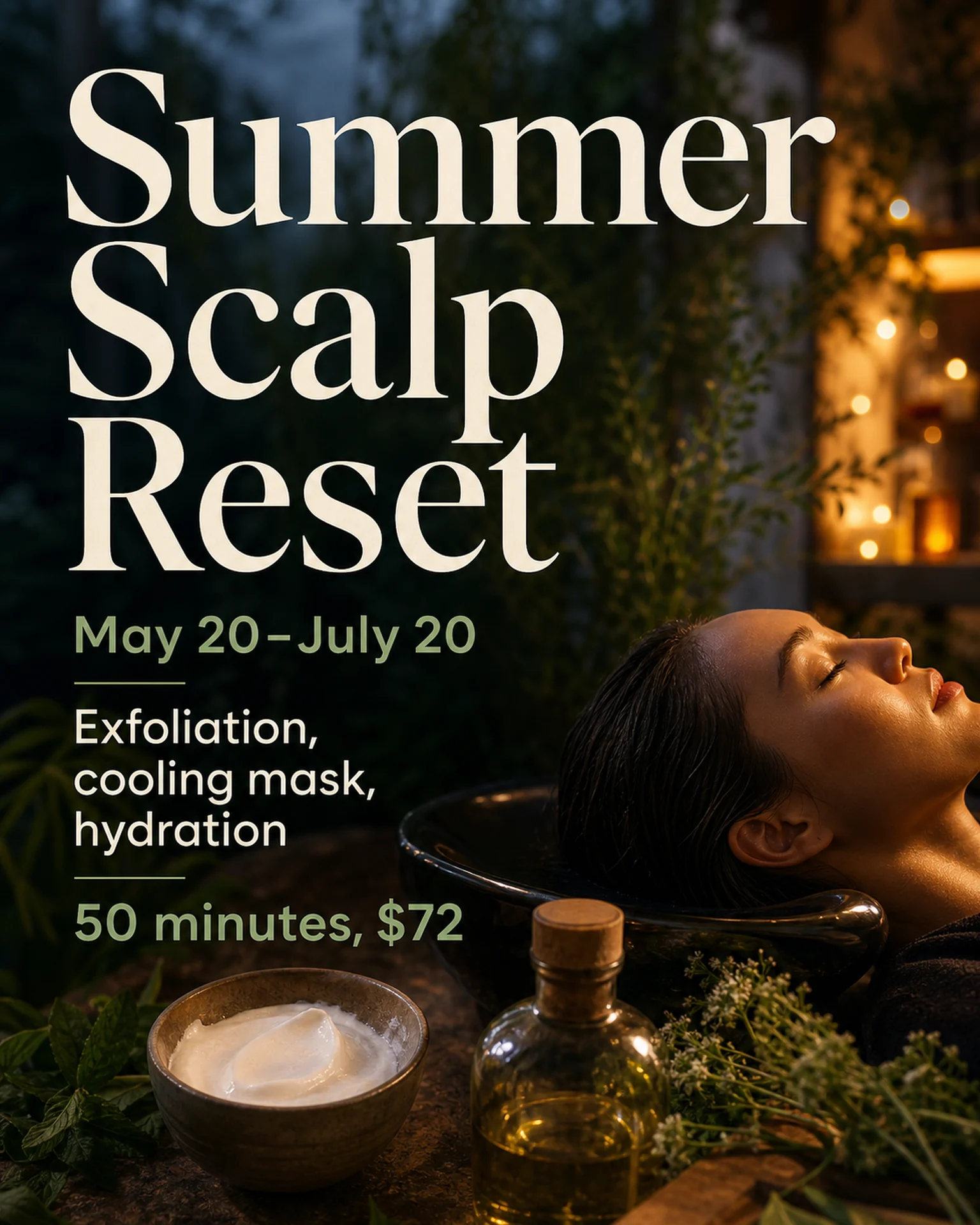
The summer-scalp reference combines a treatment scene with a date range. Replace its sample service, duration and period with your own confirmed offer.
Browse templates for this use caseCheck before you publish
- Avoid guaranteed effects or changes to the body.
- Do not suggest extra treatments are included through the imagery.
- Use verified prices rather than assumed savings.
Questions before you start
Does booking during the period qualify?
State your actual rule and distinguish the reservation date from the appointment date.
Can I emphasize expected beauty benefits?
Describe verified service details without adding unsupported outcomes or guarantees.
Related creation guides
Start with your own photo and approved facts.
Choose the reference, supply your photo and copy, and generate a new design for your specific task.
Poprica editorial team / Reviewed:
このガイドを日本語で読む