Beauty & salons / POPRICA
Create a first-visit salon guide
Help new clients understand arrival, consultation and the service sequence before their appointment. Start from Poprica’s first-visit template and add your actual arrival instructions, required items and contact details.
After sign-in, your selected template continues to the creation screen. Review the coin requirement and conditions before generating.
The template guides the visual direction. Poprica generates a new image from your photo and information; it does not simply replace text in the sample image. The result may differ from the reference.
Prepare the source information
- 01Permission-cleared photographs of the reception or service environment.
- 02Arrival time, check-in procedure and items the salon actually asks clients to bring.
- 03The first-visit sequence and a contact for questions.
From brief to reviewed output
- 1
Separate pre-arrival preparation from the steps that happen in the salon.
- 2
Replace the numbered template sequence with your own procedure and add the required preparation.
- 3
Compare the design with booking confirmations so the arrival and check-in instructions agree.
What to learn from this reference
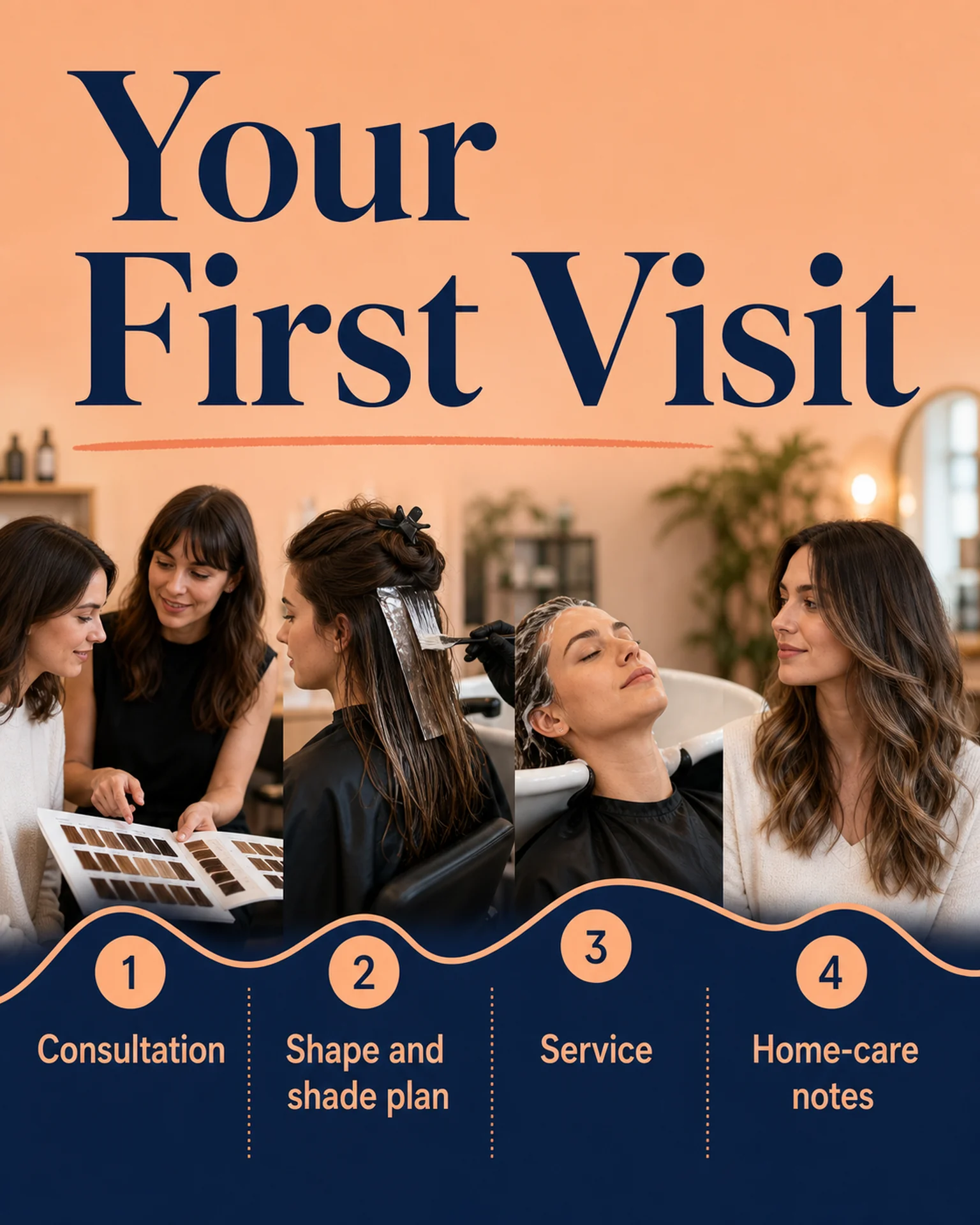
The reference shows consultation, planning, service and home-care notes. It demonstrates a numbered journey; your preparation requirements must come from your salon.
Browse templates for this use caseCheck before you publish
- Do not invent medical preparation advice.
- Check whether all advertised services follow the same sequence.
- Distinguish first-visit paperwork from items needed at every visit.
Questions before you start
Can one guide cover every appointment?
Use a shared guide only for genuinely shared steps. Identify service-specific requirements separately.
Does this send appointment messages?
It creates a guide image. Send it through your existing communication channel and include important details as readable message text too.
Related creation guides
Start with your own photo and approved facts.
Choose the reference, supply your photo and copy, and generate a new design for your specific task.
Poprica editorial team / Reviewed:
このガイドを日本語で読む