Beauty & salons / POPRICA
Create a salon price-change notice
State the effective date and the revised price of each affected service. Generate from approved copy in Poprica and explain how existing appointments are handled when relevant.
After sign-in, your selected template continues to the creation screen. Review the coin requirement and conditions before generating.
The template guides the visual direction. Poprica generates a new image from your photo and information; it does not simply replace text in the sample image. The result may differ from the reference.
Prepare the source information
- 01Approved salon or service-tool photographs.
- 02The effective date and confirmed new prices by service.
- 03Existing-booking rules, additional charges and tax wording.
From brief to reviewed output
- 1
Confirm whether the new rate depends on booking date or visit date.
- 2
Generate clear service-to-price rows with the effective date prominent.
- 3
Compare with booking and counter menus and identify other places needing updates.
What to learn from this reference
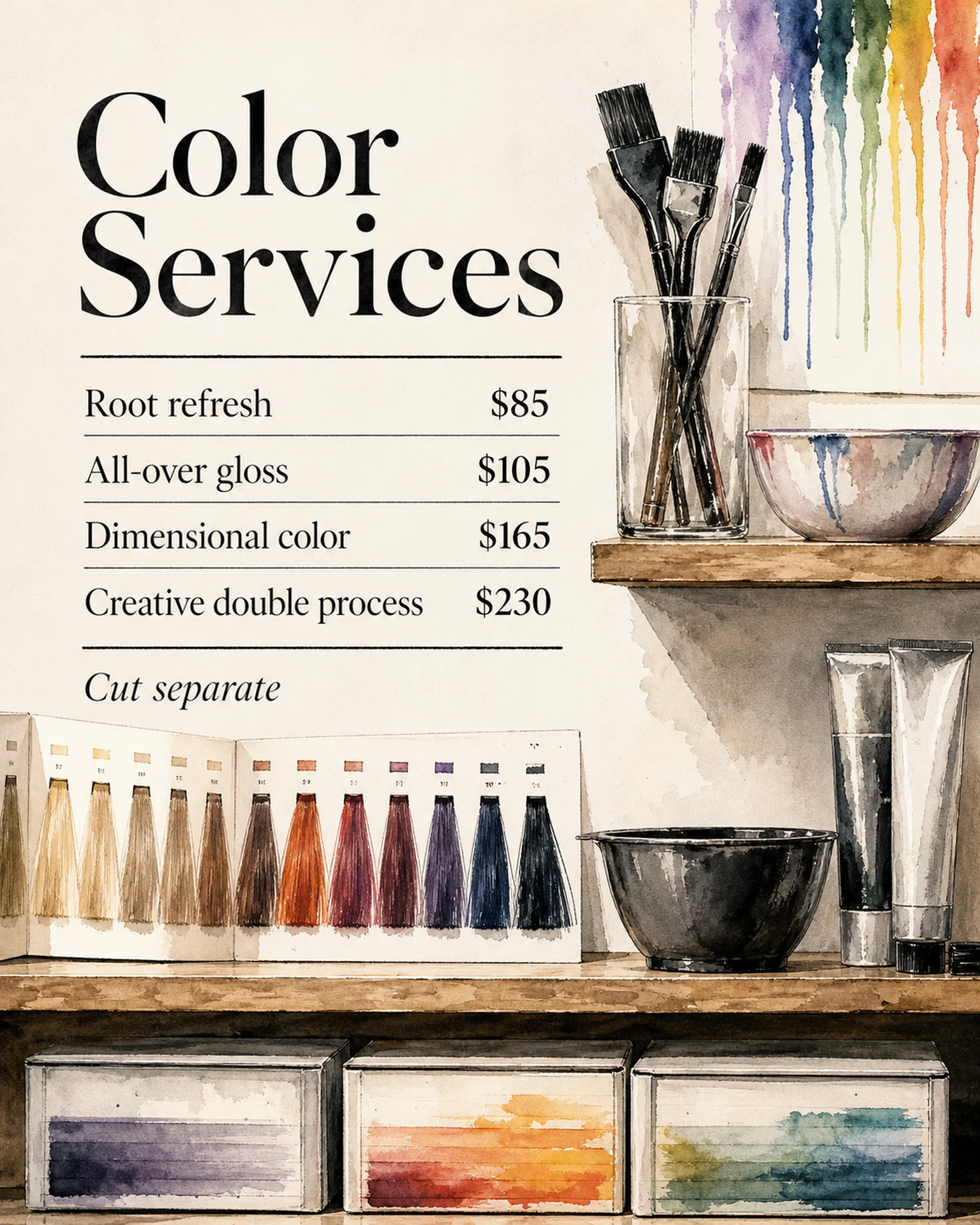
The reference is a regular hair-colour price list, not a price-change announcement. Add the change message and effective date and replace all amounts and conditions.
Browse templates for this use caseCheck before you publish
- Label old and new prices explicitly if both are shown.
- Retain exclusions such as separately charged cutting.
- Replace every reference price with an approved amount.
Questions before you start
What about existing appointments?
State the salon’s actual policy and provide a contact for clarification.
Does it update billing prices?
No. Update booking and checkout systems separately from the image.
Related creation guides
Start with your own photo and approved facts.
Choose the reference, supply your photo and copy, and generate a new design for your specific task.
Poprica editorial team / Reviewed:
このガイドを日本語で読む