Beauty & salons / POPRICA
Create a salon staff introduction
Introduce a team member with their approved name, photograph and actual role. Use Poprica to create an image that helps clients recognize the person before visiting.
After sign-in, your selected template continues to the creation screen. Review the coin requirement and conditions before generating.
The template guides the visual direction. Poprica generates a new image from your photo and information; it does not simply replace text in the sample image. The result may differ from the reference.
Prepare the source information
- 01A portrait approved for publication by the person shown.
- 02Their name, services and approved short biography.
- 03Confirmed start date or booking instructions, if relevant.
From brief to reviewed output
- 1
Ask the team member to approve the source photograph and profile copy.
- 2
Generate with their name and role close to the portrait.
- 3
Review facial changes, spelling and unsupported credentials with the person.
What to learn from this reference
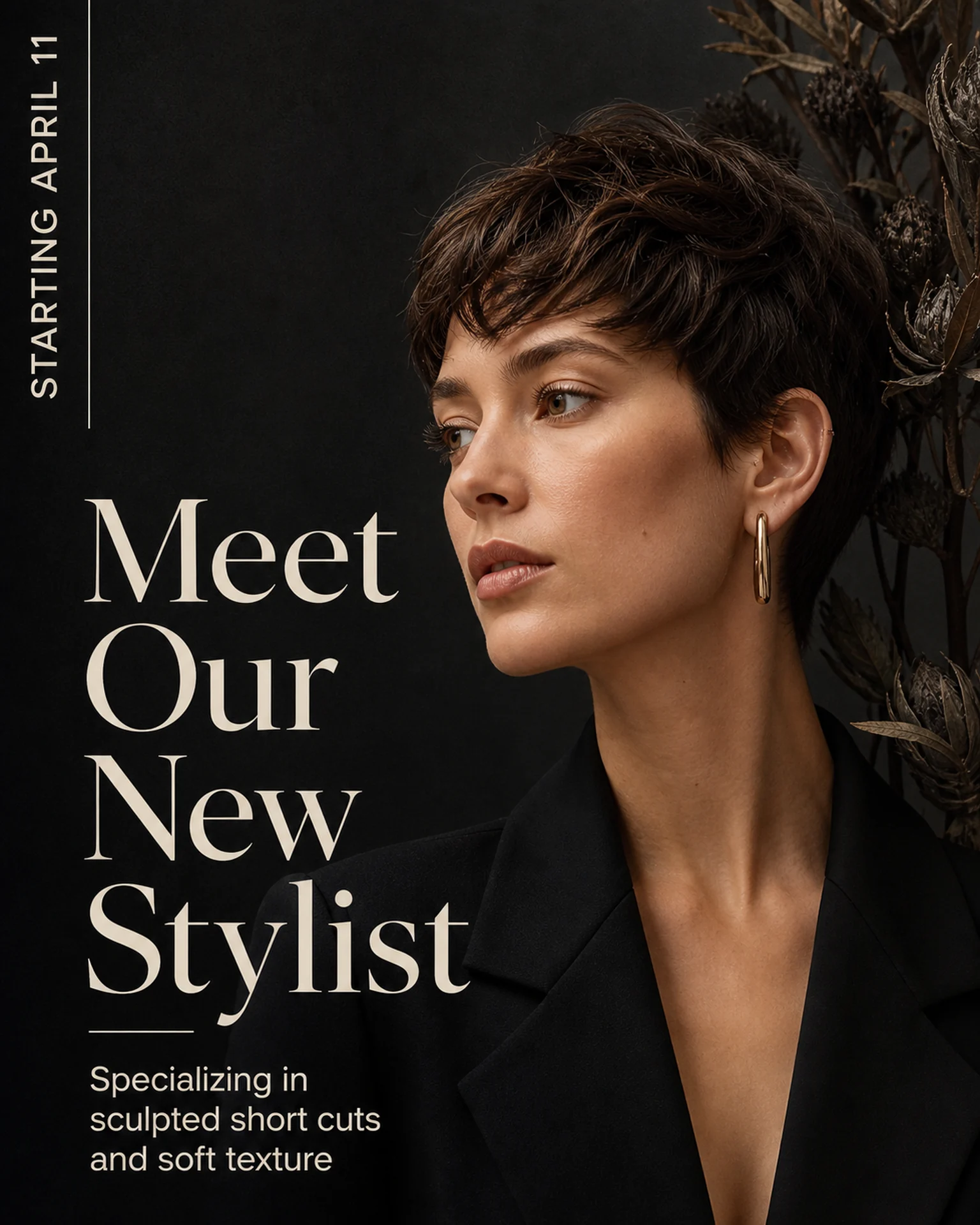
The reference announces a new stylist with a portrait. Its subject is not your employee; replace the image, name and role with approved material.
Browse templates for this use caseCheck before you publish
- Do not invent qualifications, awards or years of experience.
- Do not portray an altered or fictional face as the actual staff member.
- Exclude unnecessary personal information.
Questions before you start
What if there is no portrait?
Consider another approved image, such as their workspace, without presenting a fictional person as them.
Does it enable stylist bookings?
It is an introduction image. Give instructions for the existing booking channel.
Related creation guides
Start with your own photo and approved facts.
Choose the reference, supply your photo and copy, and generate a new design for your specific task.
Poprica editorial team / Reviewed:
このガイドを日本語で読む