Retail / POPRICA
Create a product-care card
Turn verified care instructions into an ordered visual guide. Use the actual product photo and manufacturer- or store-approved steps in Poprica for a reference image customers can keep.
After sign-in, your selected template continues to the creation screen. Review the coin requirement and conditions before generating.
The template guides the visual direction. Poprica generates a new image from your photo and information; it does not simply replace text in the sample image. The result may differ from the reference.
Prepare the source information
- 01A photo identifying the correct model.
- 02Verified care steps and compatible tools.
- 03Prohibited methods and the support contact.
From brief to reviewed output
- 1
Identify model-specific conditions before combining instructions.
- 2
Generate one numbered stage per action with corresponding wording or images.
- 3
Compare with the original instructions and correct omissions or reordered steps.
What to learn from this reference
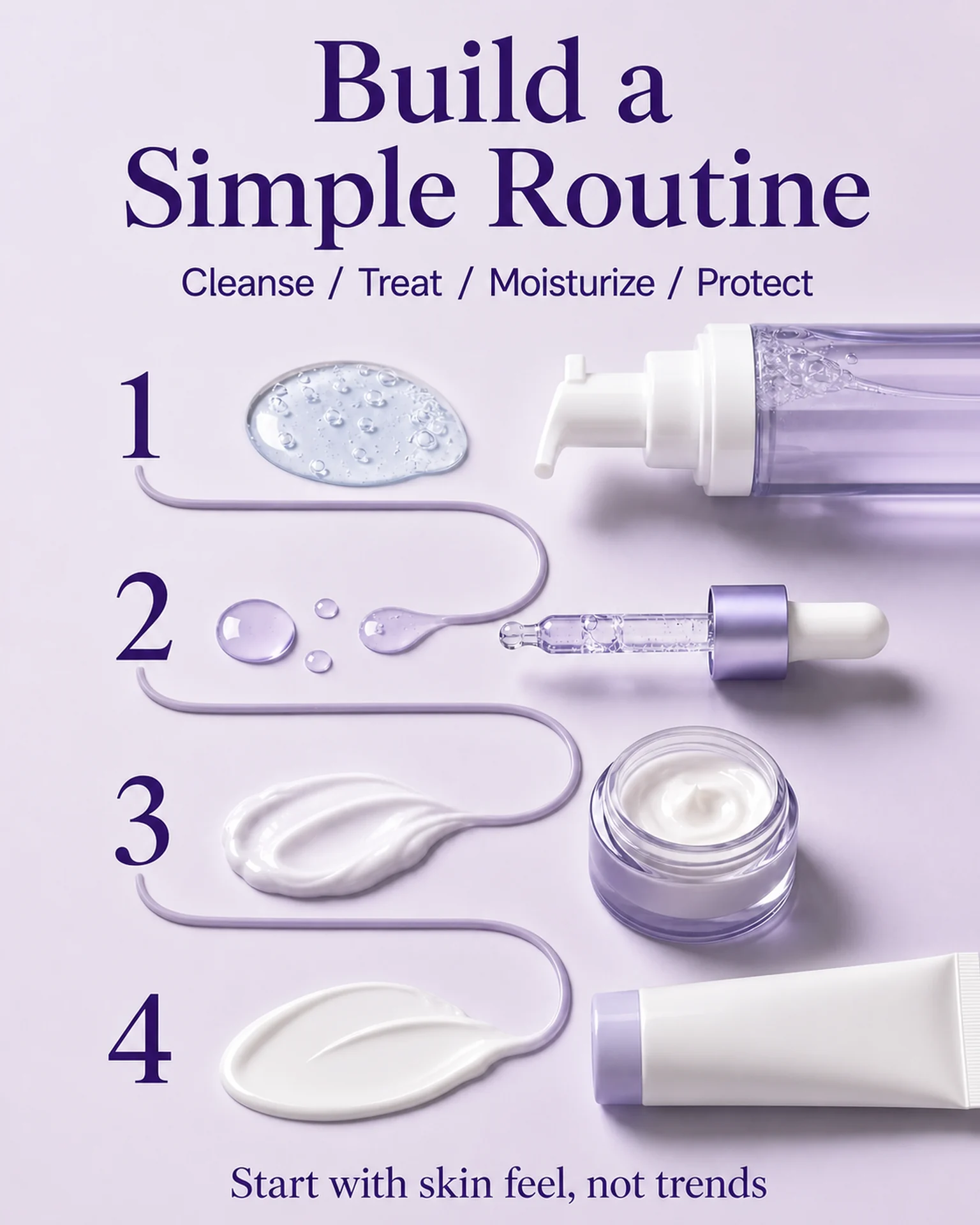
The reference shows an ordered skincare routine. It supplies a visual sequence, not evidence for maintaining your product; replace every instruction with verified product-care guidance.
Browse templates for this use caseCheck before you publish
- Do not infer safe temperatures or chemical compatibility.
- Do not transfer another model’s instructions without verification.
- Retain essential warnings even when shortening the layout.
Questions before you start
Can a photo determine the washing method?
No. Supply instructions verified by the manufacturer or responsible seller.
Does this replace the manual?
Treat it as a supplementary card, not a substitute for required instructions or safety information.
Related creation guides
Start with your own photo and approved facts.
Choose the reference, supply your photo and copy, and generate a new design for your specific task.
Poprica editorial team / Reviewed:
このガイドを日本語で読む