Retail / POPRICA
Create an in-store tasting notice
Lead with the food being sampled, the time and the location inside the shop. Use real product imagery and confirmed event terms in Poprica, keeping tasting conditions separate from retail prices.
After sign-in, your selected template continues to the creation screen. Review the coin requirement and conditions before generating.
The template guides the visual direction. Poprica generates a new image from your photo and information; it does not simply replace text in the sample image. The result may differ from the reference.
Prepare the source information
- 01Photos of the actual food to be sampled.
- 02Date, time, in-store location and participation conditions.
- 03Store-approved notices and a contact for questions.
From brief to reviewed output
- 1
Separate the tasting experience from the regular purchase offer.
- 2
Generate with the event time and location prominent, then add the food and joining instructions.
- 3
Check reservation or queue conditions with the person running the tasting.
What to learn from this reference
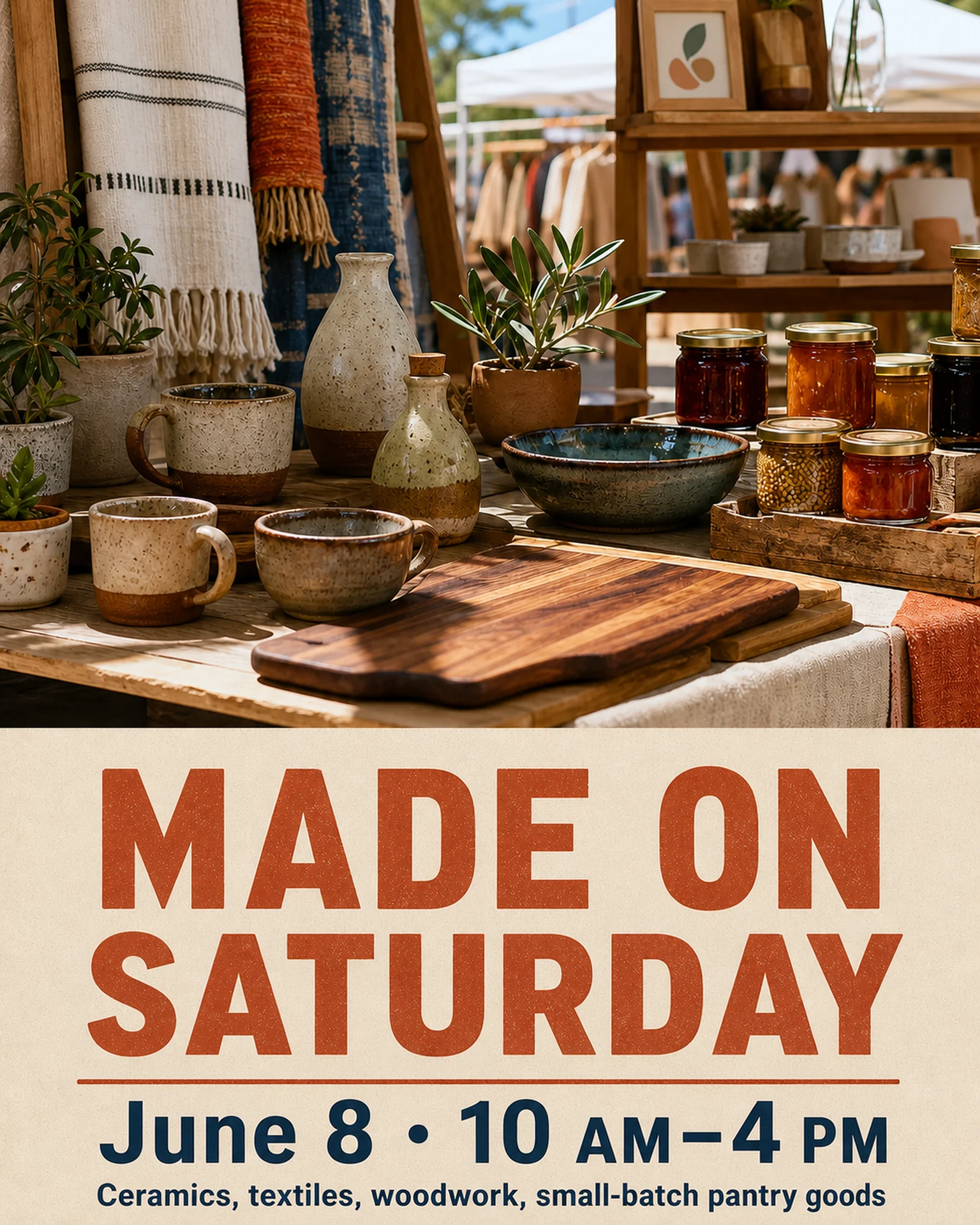
The reference advertises a weekend craft market. Borrow its date-and-venue hierarchy, replacing the goods, imagery and conditions with the actual tasting event.
Browse templates for this use caseCheck before you publish
- Do not assume samples are free or unlimited.
- Do not infer ingredients from photographs.
- Distinguish a product price from any admission charge.
Questions before you start
What if reservations are required?
Supply the booking deadline and channel and clarify whether walk-ins are accepted.
What about allergen information?
Use verified store information and provide an appropriate contact rather than generating ingredient assumptions.
Related creation guides
Start with your own photo and approved facts.
Choose the reference, supply your photo and copy, and generate a new design for your specific task.
Poprica editorial team / Reviewed:
このガイドを日本語で読む