Retail / POPRICA
Create a gift-wrapping service notice
Show shoppers the available wraps, service dates and charges before they reach the till. Adapt Poprica’s gift-wrapping template with photographs of your real paper, ribbon and boxes, then state which purchases qualify.
After sign-in, your selected template continues to the creation screen. Review the coin requirement and conditions before generating.
The template guides the visual direction. Poprica generates a new image from your photo and information; it does not simply replace text in the sample image. The result may differ from the reference.
Prepare the source information
- 01Photos of the wrapping options actually offered.
- 02Charges, eligible package sizes and service dates.
- 03Rules for outside purchases and whether boxes or ribbons cost extra.
From brief to reviewed output
- 1
List each option with its charge and eligibility instead of describing everything as a single wrapping service.
- 2
Replace the seasonal template imagery with your wrapping examples and add the service dates and terms.
- 3
Review it from the queue: can a shopper tell what is included before asking a staff member?
What to learn from this reference
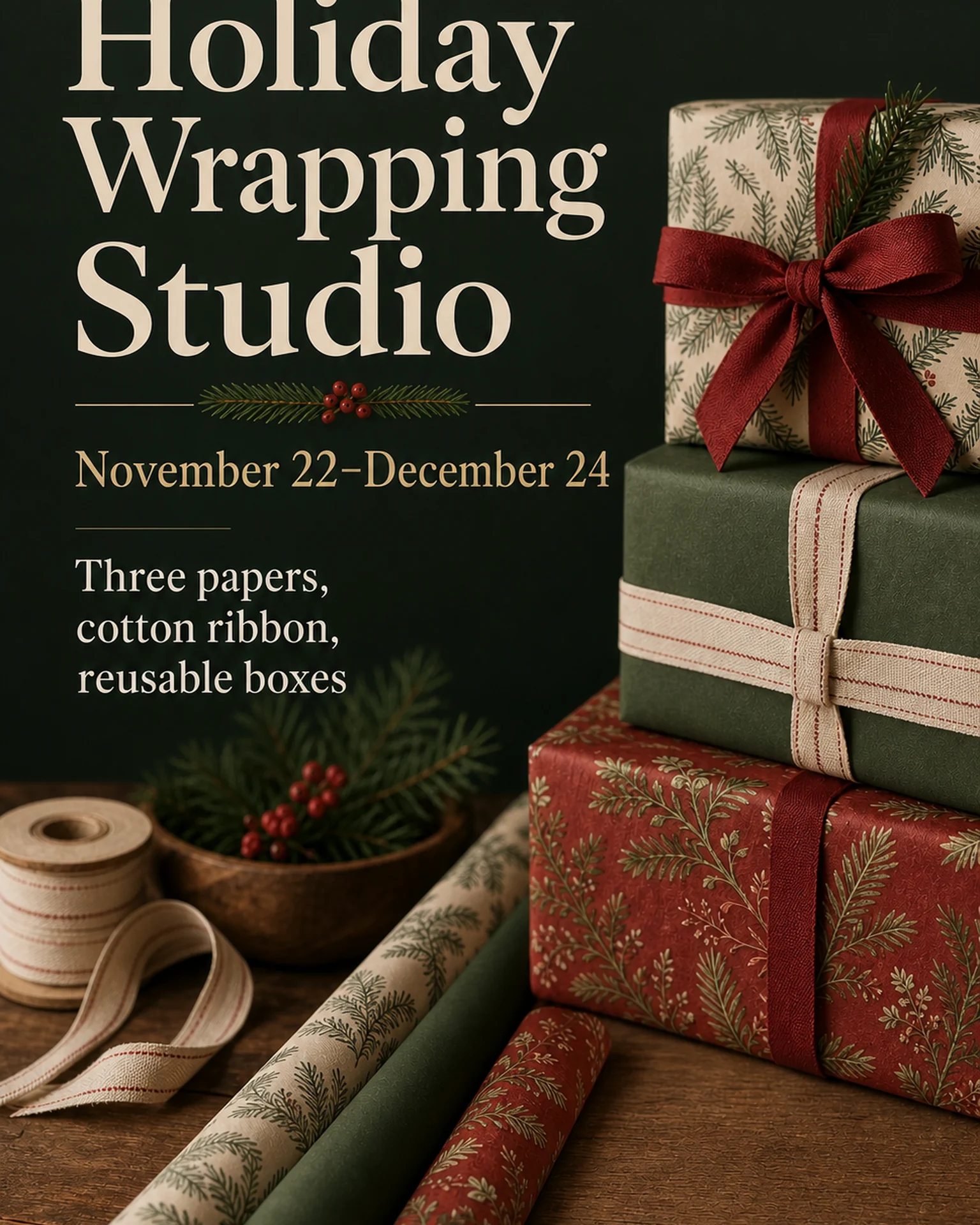
The English holiday-wrapping reference uses several wrapped gifts and a service date range. It is a visual reference; your pricing and eligibility still need to be supplied.
Browse templates for this use caseCheck before you publish
- Make it clear whether pictured accessories are included.
- Distinguish wrapping availability from product sale dates.
- Keep exclusions and size limits readable.
Questions before you start
Can I add prices to this reference?
Yes. Include the approved charge for each option in your brief and verify that the generated notice preserves that relationship.
Will it update when paper runs out?
The result is a static design. Revise the notice when your available options change.
Related creation guides
Start with your own photo and approved facts.
Choose the reference, supply your photo and copy, and generate a new design for your specific task.
Poprica editorial team / Reviewed:
このガイドを日本語で読む