Retail / POPRICA
Create a gift-set information card
Explain the contents, packaging and price of a gift set separately. Use the actual set photograph and an approved item list in Poprica so customers know what arrives in the box.
After sign-in, your selected template continues to the creation screen. Review the coin requirement and conditions before generating.
The template guides the visual direction. Poprica generates a new image from your photo and information; it does not simply replace text in the sample image. The result may differ from the reference.
Prepare the source information
- 01Photos of the complete set and actual packaging.
- 02Included items, quantities and the set price.
- 03Confirmed wrapping, delivery or collection conditions.
From brief to reviewed output
- 1
Separate included products from props used in the photograph.
- 2
Generate with the main set photo and contents list together, adding packaging conditions.
- 3
Compare with the packed set and correct quantities or accessories.
What to learn from this reference
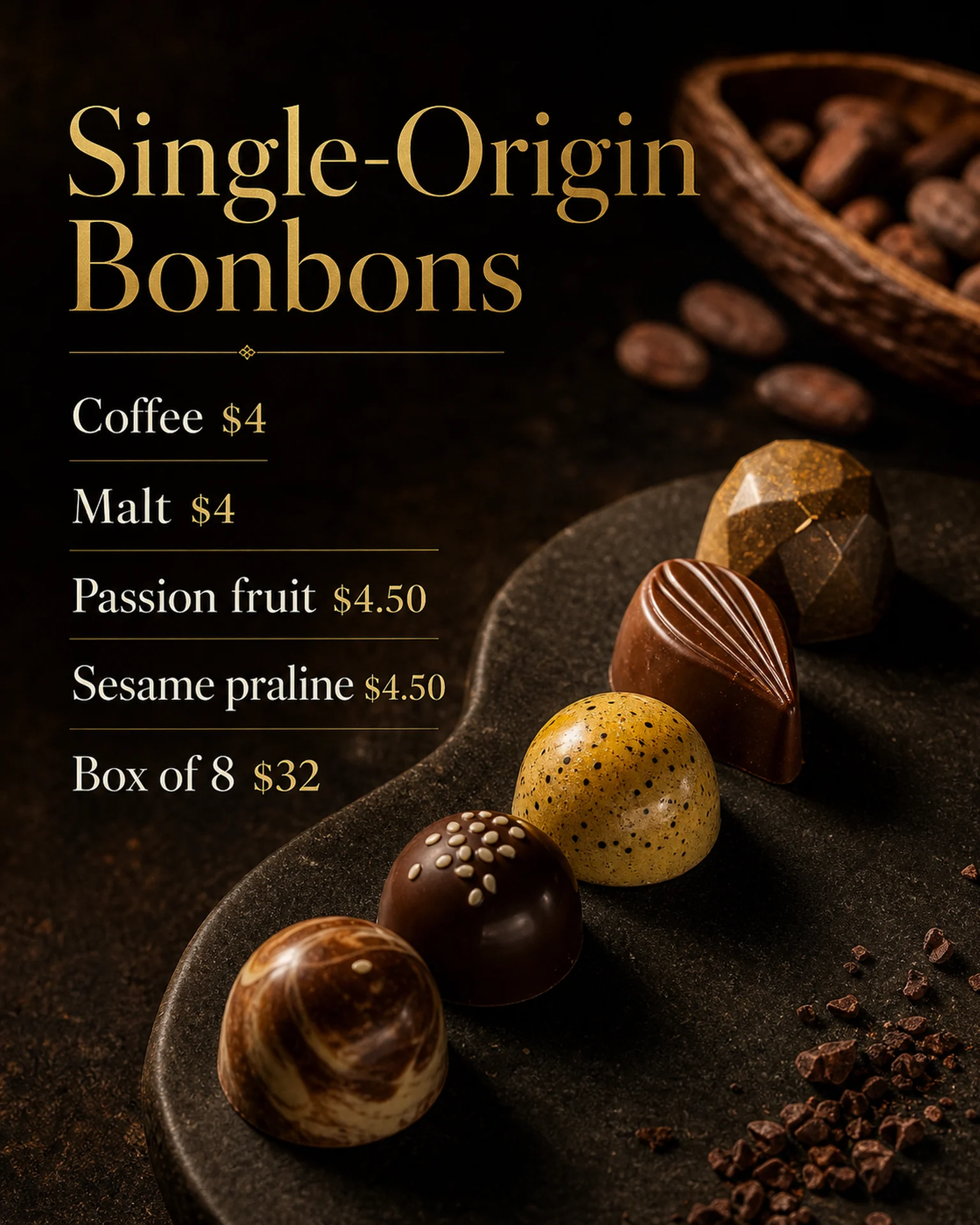
The chocolate reference separates flavour prices from an eight-piece box price. It illustrates price hierarchy; provide your own box, contents and packaging terms.
Browse templates for this use caseCheck before you publish
- Do not present a per-item price as the whole-set price.
- Do not imply decorative flowers or cloth are included.
- Show separate wrapping charges near the offer.
Questions before you start
What about a choose-your-own set?
State the selection count and eligible products, and identify the photograph as an example combination.
Can it include delivery details?
You can supply confirmed deadlines and charges as copy. The image does not arrange delivery.
Related creation guides
Start with your own photo and approved facts.
Choose the reference, supply your photo and copy, and generate a new design for your specific task.
Poprica editorial team / Reviewed:
このガイドを日本語で読む