Retail / POPRICA
Create a retail sale poster
Keep the eligible products, sale dates and conditions together. Generate a static retail promotion in Poprica and check that its headline does not suggest a broader offer than the store actually provides.
After sign-in, your selected template continues to the creation screen. Review the coin requirement and conditions before generating.
The template guides the visual direction. Poprica generates a new image from your photo and information; it does not simply replace text in the sample image. The result may differ from the reference.
Prepare the source information
- 01Photos of eligible merchandise.
- 02Approved selling prices and offer dates.
- 03Actual exclusions, membership or quantity conditions.
From brief to reviewed output
- 1
Separate eligible and excluded items and approve the pricing copy.
- 2
Generate around the sale message and dates, adding product photos and necessary conditions.
- 3
Compare the result with checkout rules and remove misleading omissions.
What to learn from this reference
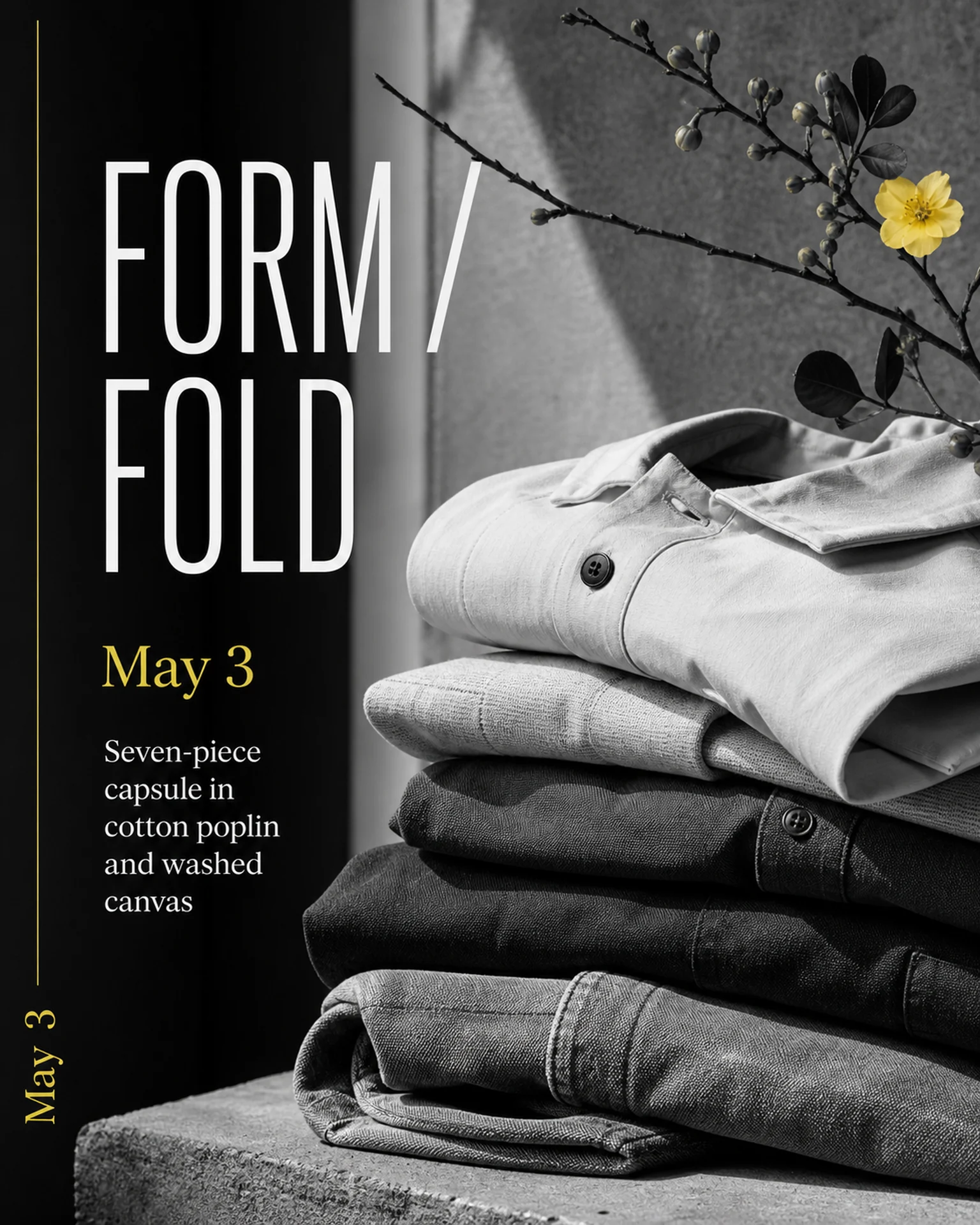
The clothing-release reference demonstrates a product photo and date hierarchy, not a sale. Replace its launch message with verified sale prices, dates and eligibility conditions.
Browse templates for this use caseCheck before you publish
- Do not infer previous prices or percentage savings.
- Do not present a selected-item promotion as storewide.
- Remove the image when the offer ends.
Questions before you start
Does it calculate the discount?
Provide prices or percentages already checked by the store; image generation is not a pricing calculation service.
What if exclusions are extensive?
Identify eligible items explicitly so customers can understand the scope without guessing.
Related creation guides
Start with your own photo and approved facts.
Choose the reference, supply your photo and copy, and generate a new design for your specific task.
Poprica editorial team / Reviewed:
このガイドを日本語で読む