Retail / POPRICA
Create a retail preorder notice
Distinguish the order window from expected collection or delivery. Use the product photograph and approved preorder terms in Poprica to explain how this purchase differs from buying stock immediately.
After sign-in, your selected template continues to the creation screen. Review the coin requirement and conditions before generating.
The template guides the visual direction. Poprica generates a new image from your photo and information; it does not simply replace text in the sample image. The result may differ from the reference.
Prepare the source information
- 01A real product photo or clearly identified sample image.
- 02Order deadline, expected availability, price and payment terms.
- 03The ordering channel and confirmed change policy.
From brief to reviewed output
- 1
Approve the order-to-collection process and distinguish estimates from commitments.
- 2
Generate with preorder status prominent and deadlines separate from availability.
- 3
Compare with staff instructions and check that the next customer action is clear.
What to learn from this reference
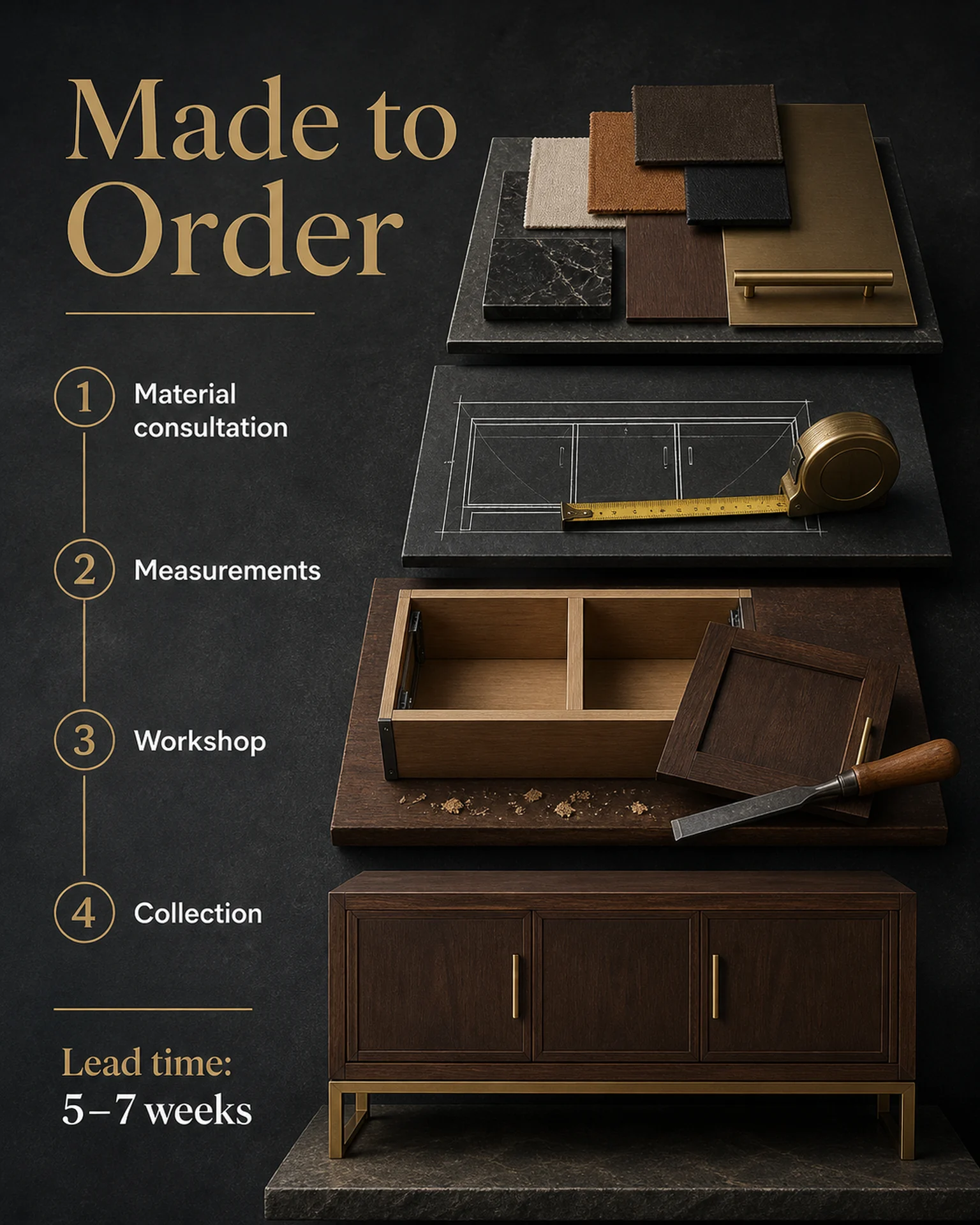
The made-to-order reference illustrates stages from consultation to collection. Replace those stages with your preorder procedure; it does not provide ordering or stock-allocation functionality.
Browse templates for this use caseCheck before you publish
- Do not turn an estimated lead time into a guarantee.
- Separate deposits from the total price.
- Do not invent availability or allocation promises.
Questions before you start
Does it create an order form?
It creates an explanatory image. Supply the actual ordering channel separately.
What if collection is not final?
State the confirmed estimate and communication process rather than inventing a fixed date.
Related creation guides
Start with your own photo and approved facts.
Choose the reference, supply your photo and copy, and generate a new design for your specific task.
Poprica editorial team / Reviewed:
このガイドを日本語で読む